
All Steel Designs manufactures custom steel doors and windows, with showrooms in Melbourne, Sydney and Adelaide. LB Labs rebuilt its website and built the platform behind it — quoting, a customer portal, Xero invoicing and an AI concierge. The platform was delivered and went live in November 2026.
The client
All Steel Designs
All Steel Designs designs and manufactures made-to-order steel doors and windows for homeowners, builders and architects across Australia. Every job is custom: it moves from a quote to shop drawings, into fabrication, and out to delivery and installation.
That makes the business information-heavy. A single project carries a quote, a set of drawings that change, invoices and a schedule — and the customer wants to see all of it. The engagement covers the public website that wins the enquiry and the system that carries the job after it.
- Sector
- Manufacturing · Architectural steel
- Team
- Showrooms in Melbourne, Sydney and Adelaide
- Service
- Custom Dashboards & Automations
- Status
- Delivered · live since November 2026
- Location
- Melbourne · Sydney · Adelaide
- Scope
- Website · Quoting · Customer portal · Xero integration · AI concierge
Demonstration environmentAll customer information, project details and financial figures shown are illustrative demo data, not actual client records.
The challenge
Customers kept ringing and emailing for updates on jobs that were progressing exactly as planned — and staff spent their days relaying information between systems.
The information existed — stage, drawings, invoices, timelines. It just lived in tools the customer couldn't see and staff had to search, with no single source of truth between them.
The brief
Build one governed, customer-facing layer over the systems still doing their job well — and retire the rest only once each replacement has proven itself in use.
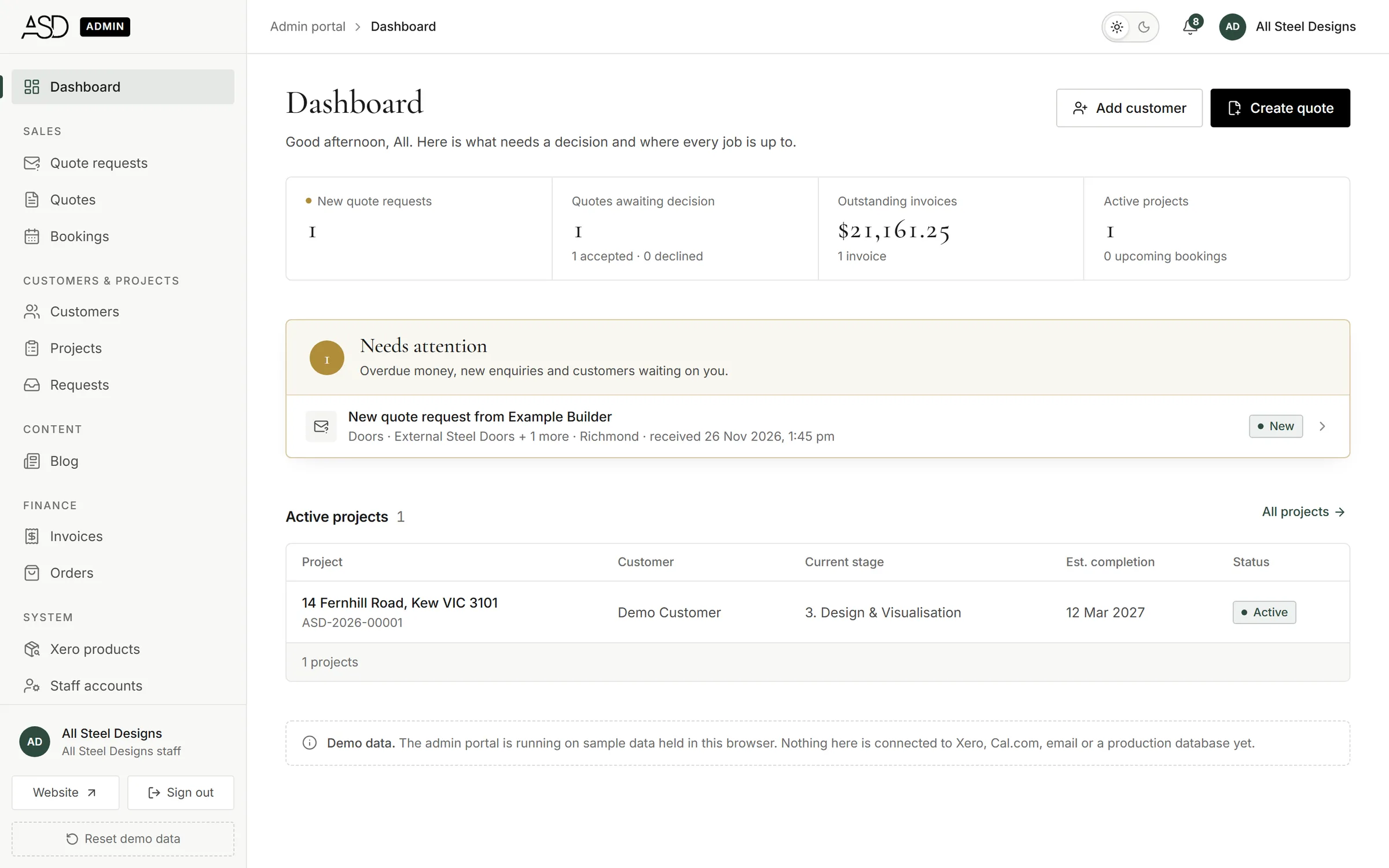
Demonstration environmentAll customer information, project details and financial figures shown are illustrative demo data, not actual client records.
Our approach
How it works
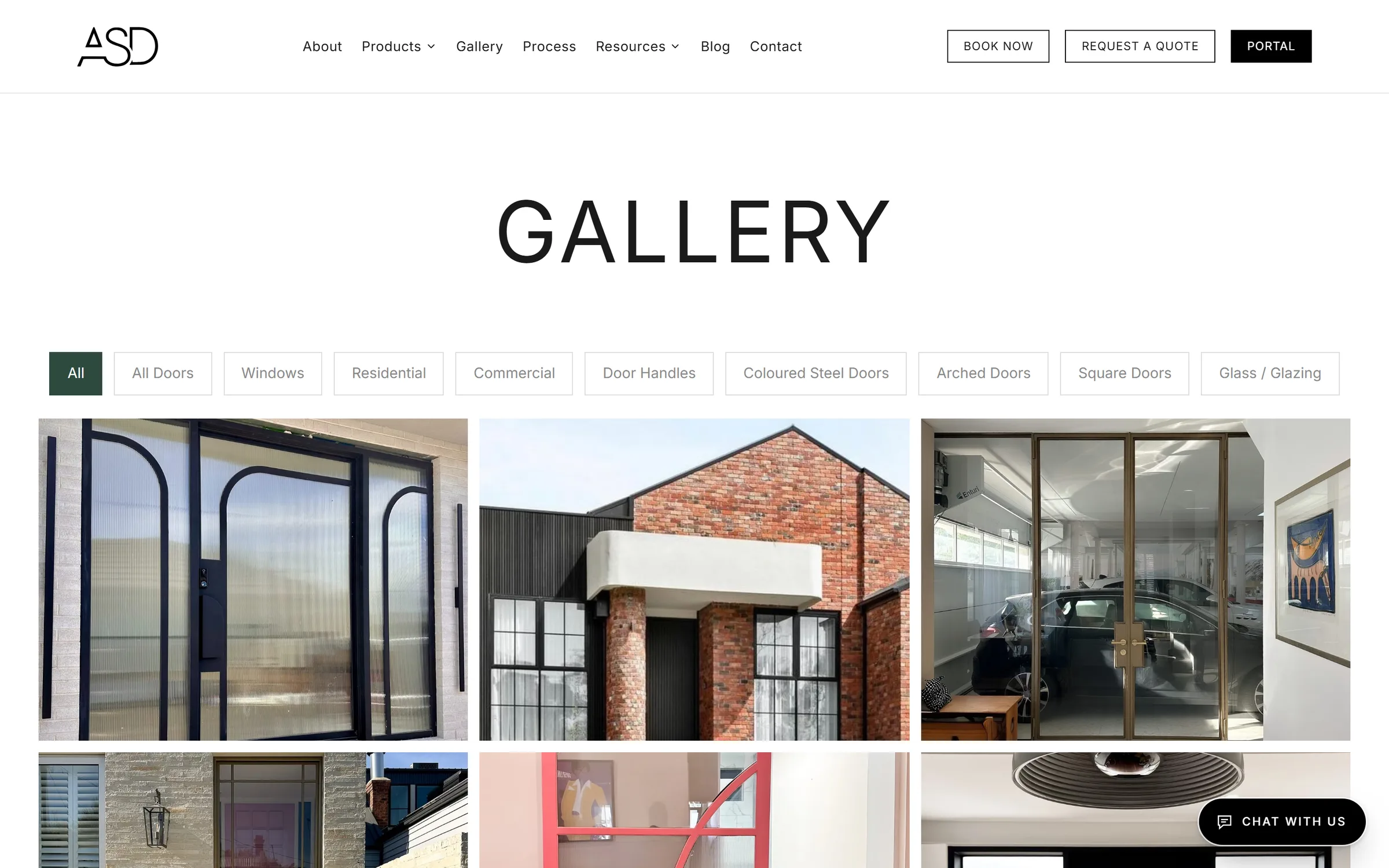
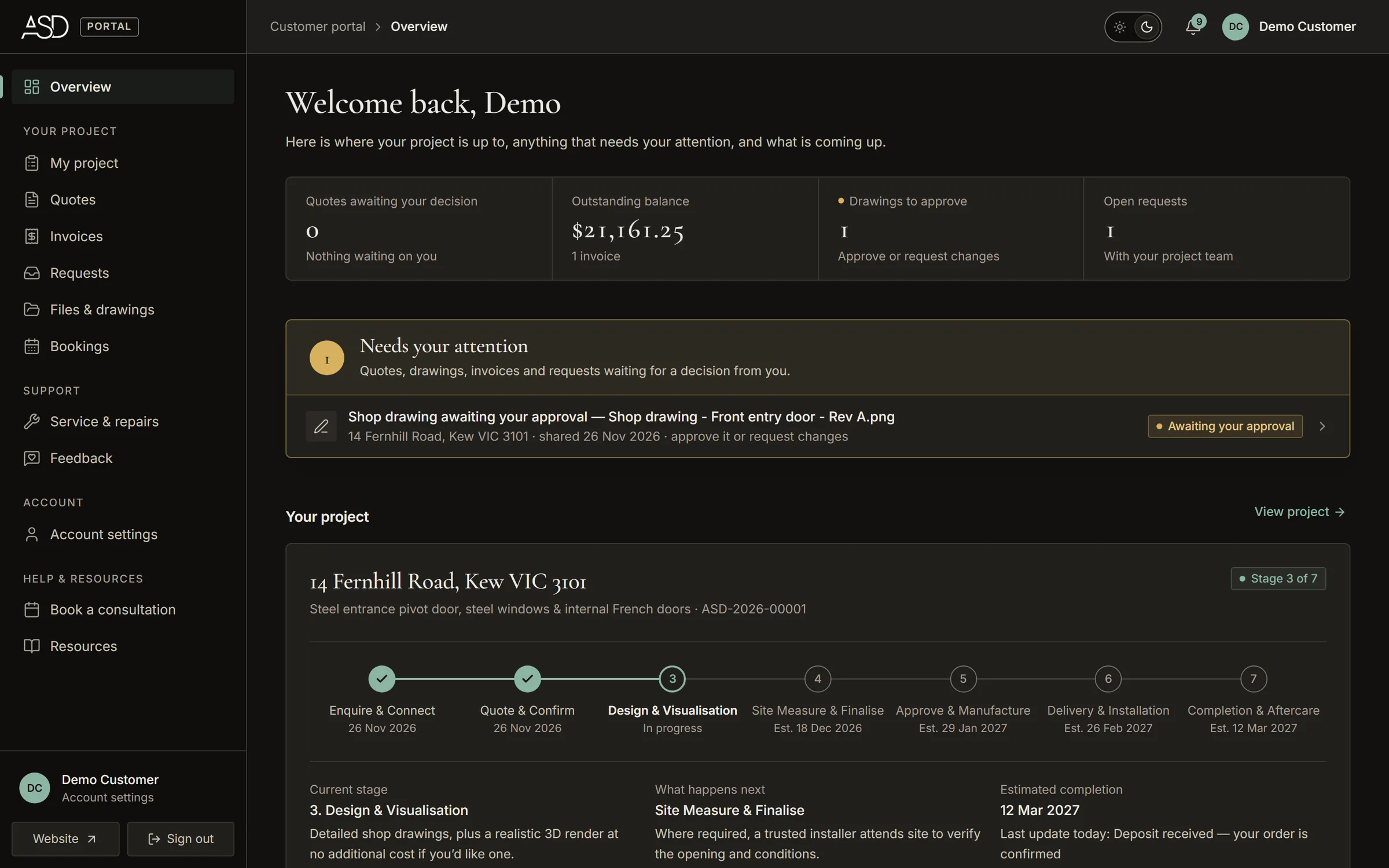
One custom platform carries the whole customer journey: a rebuilt website in front, an AI concierge as its first point of contact, a structured quote request, booking for all three showrooms, and a customer portal where a project is visible — quotes, invoices, drawings and documents, bookings and requests.
Behind it, the platform connects to the system that stays. Accounting remains in Xero, integrated rather than rebuilt: an accepted quote becomes a Xero invoice without anyone re-entering it. Staff run the whole thing from one admin — enquiries, quotes, customers, projects, files and the blog.
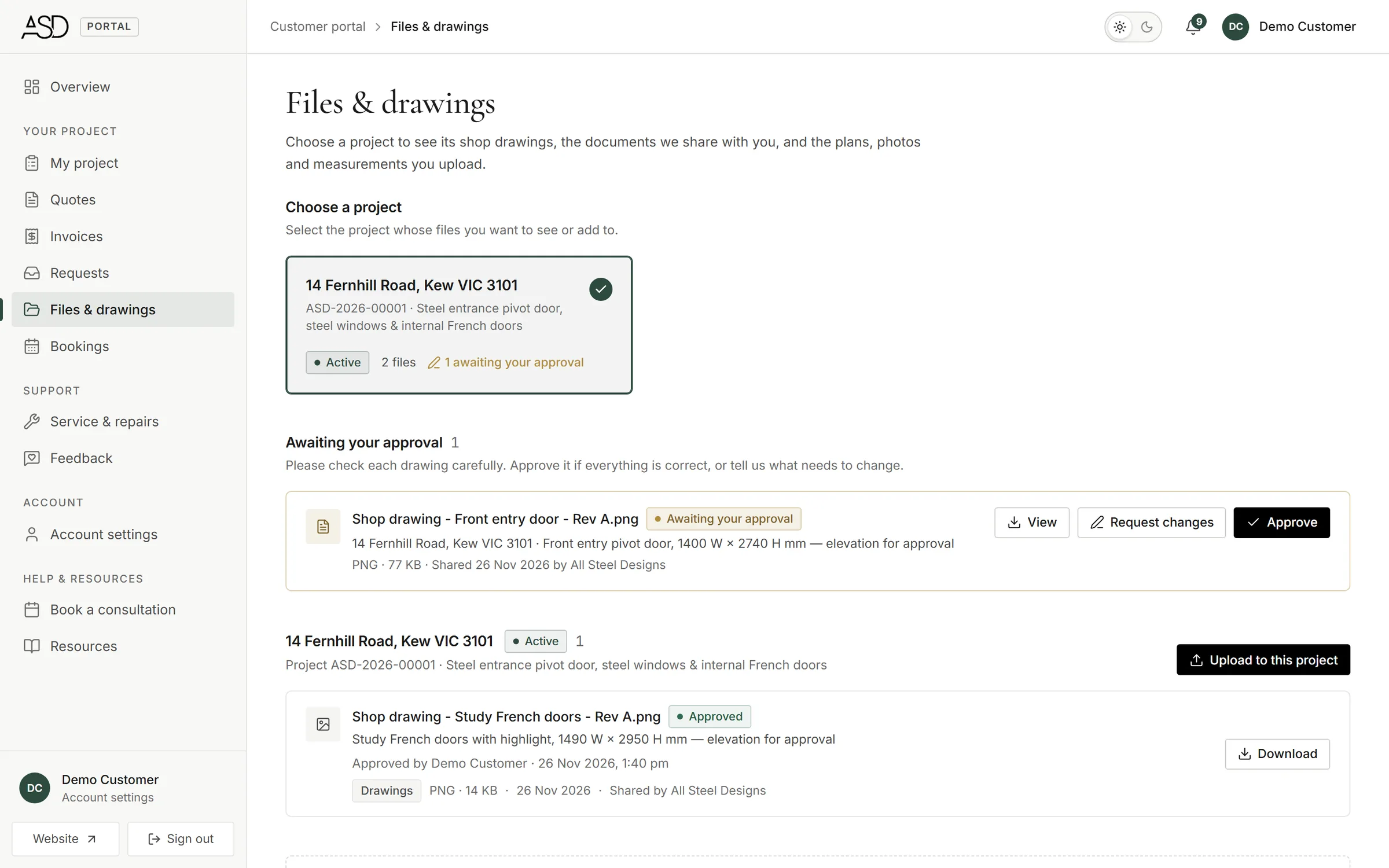
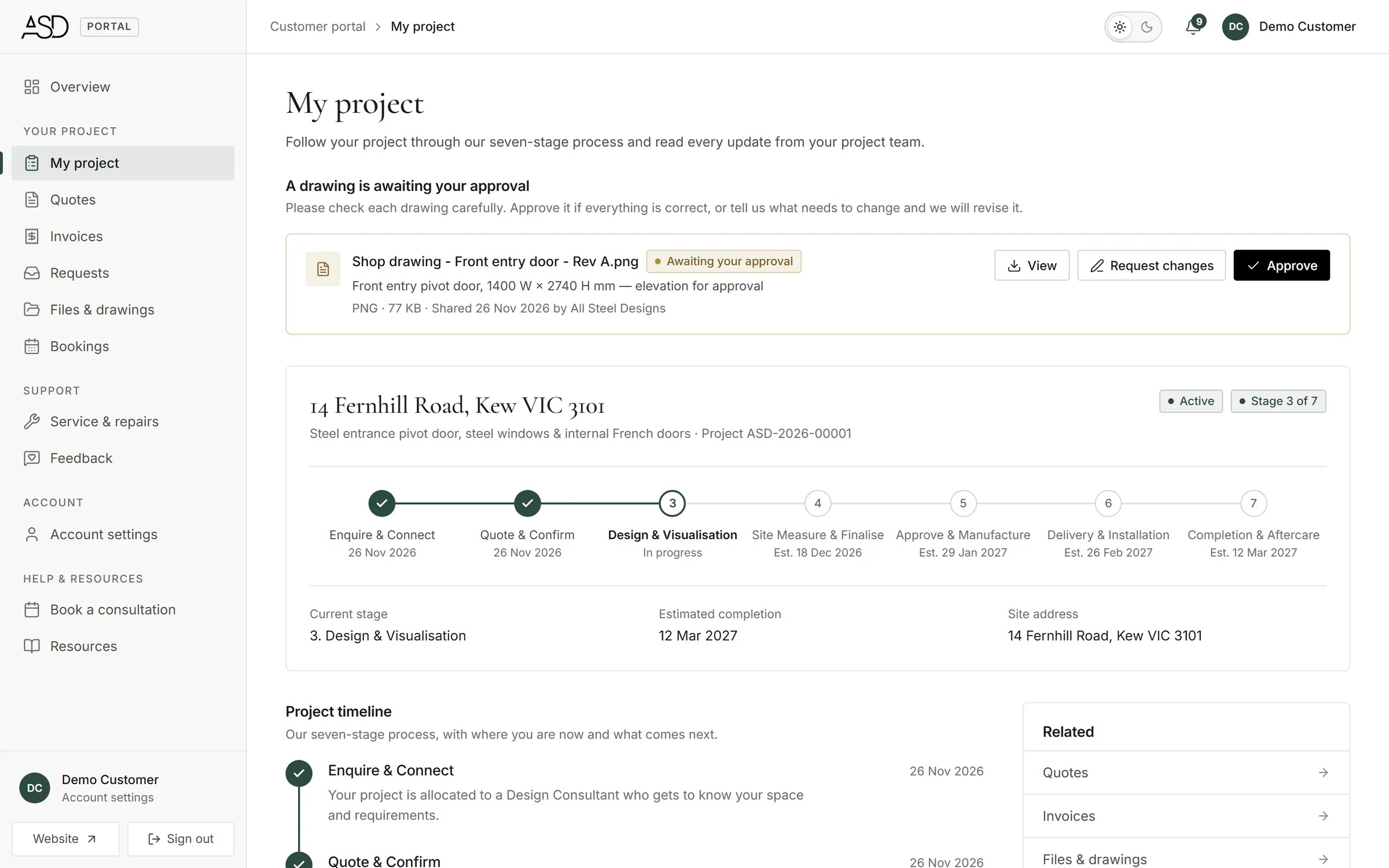
Drawing approval inside the portal · light theme
Demonstration environmentAll customer information, project details and financial figures shown are illustrative demo data, not actual client records.
The solution
What we built
The reason customers stop chasing: quotes, invoices, project files, bookings and requests in one place they sign in to. Access is by invitation from All Steel Designs, not open registration.
Drawing approval inside the portal · light theme
Demonstration environmentAll customer information, project details and financial figures shown are illustrative demo data, not actual client records.
Internal management for the team — enquiries, quote requests, quote building, customers, projects, files, invoices and the record of what was emailed to whom.
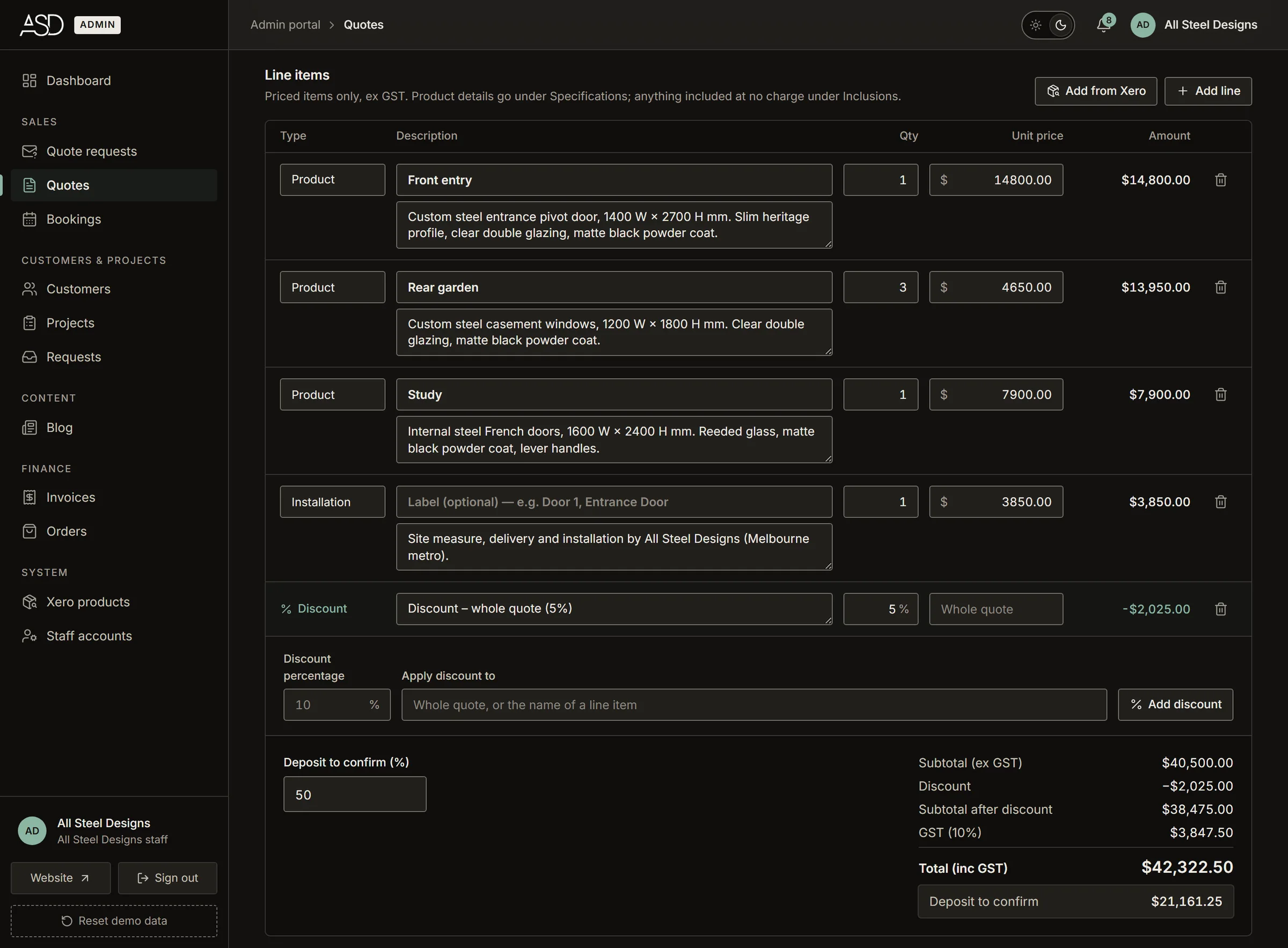
Quote builder in the staff admin · dark theme
Demonstration environmentAll customer information, project details and financial figures shown are illustrative demo data, not actual client records.
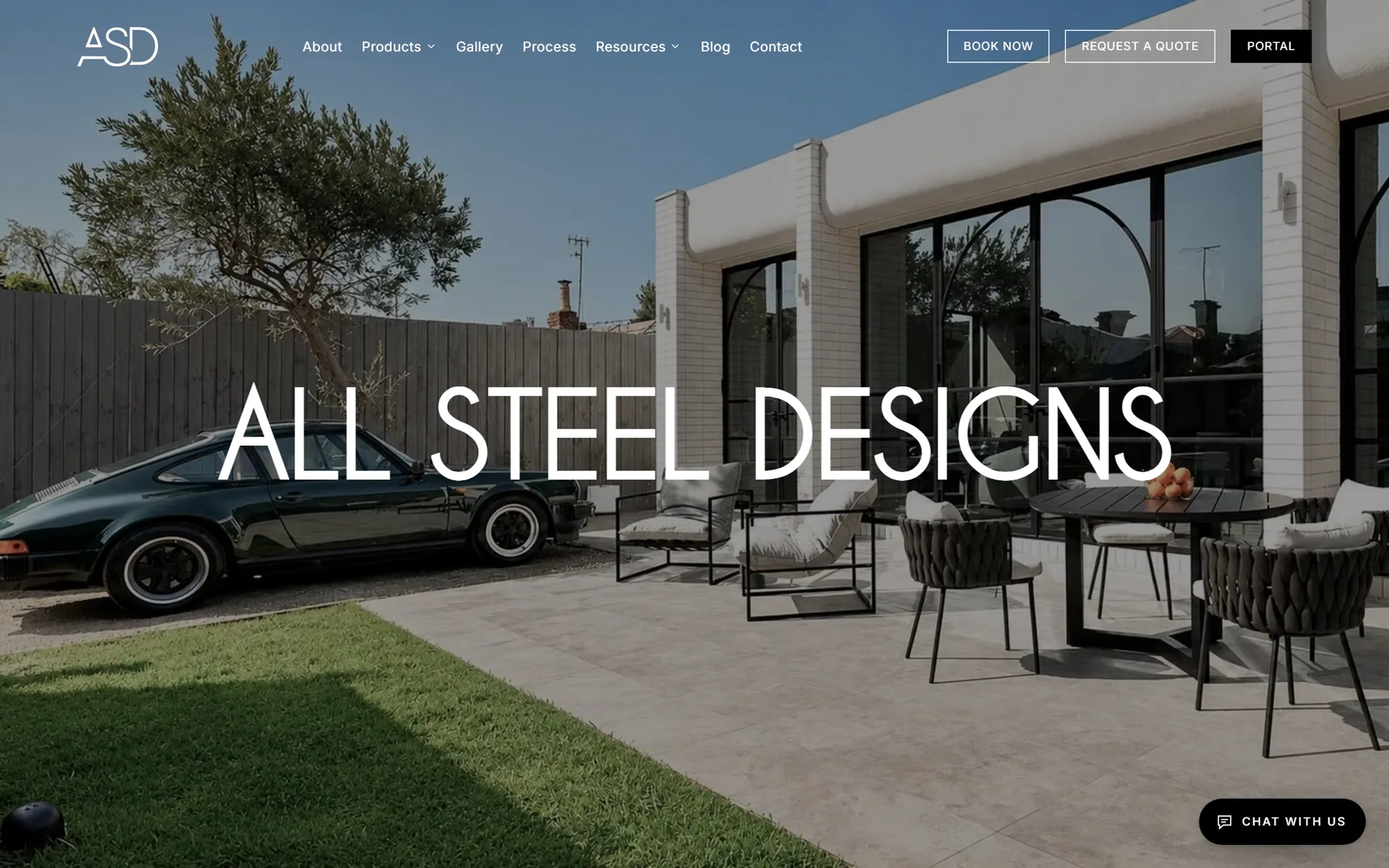
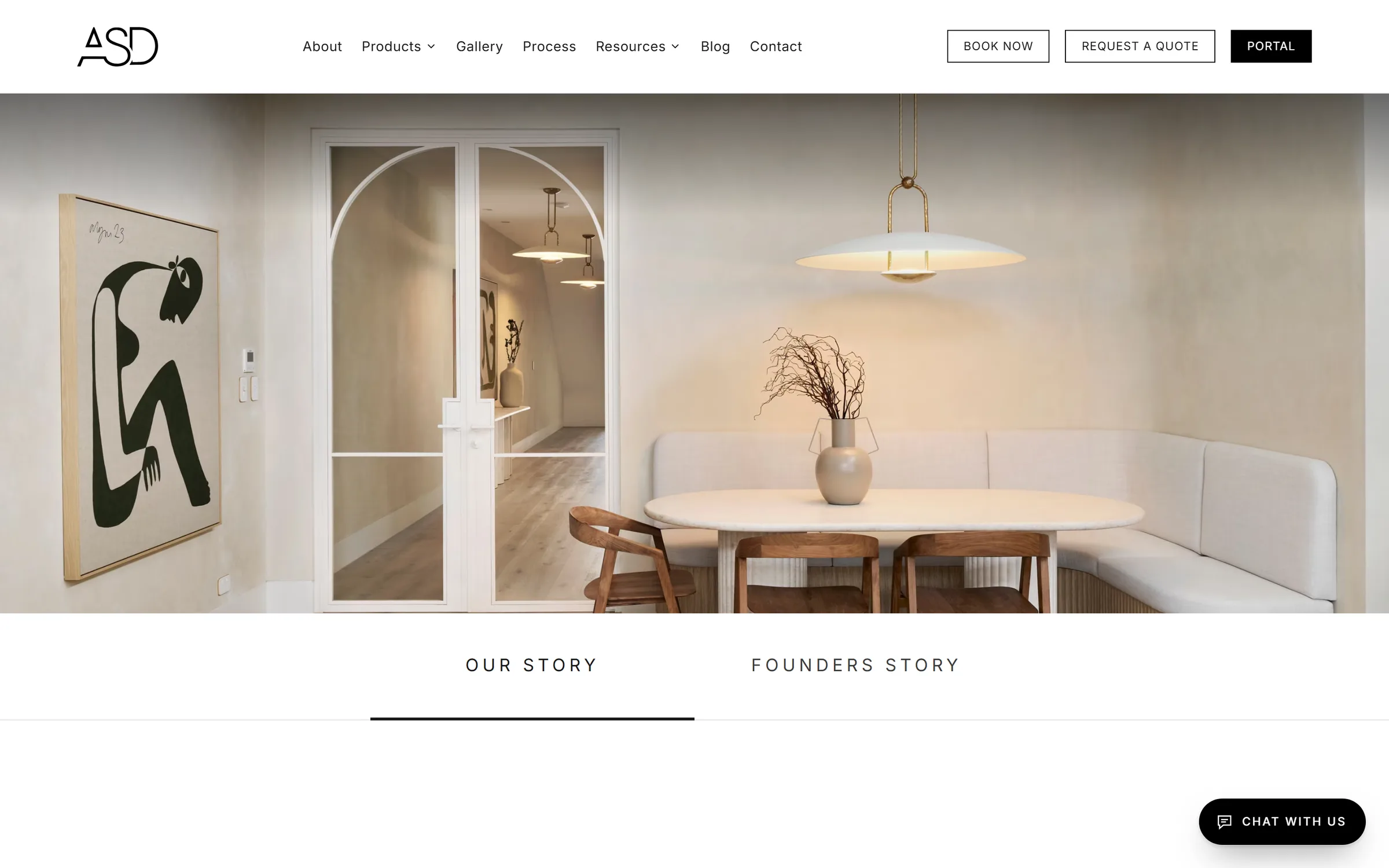
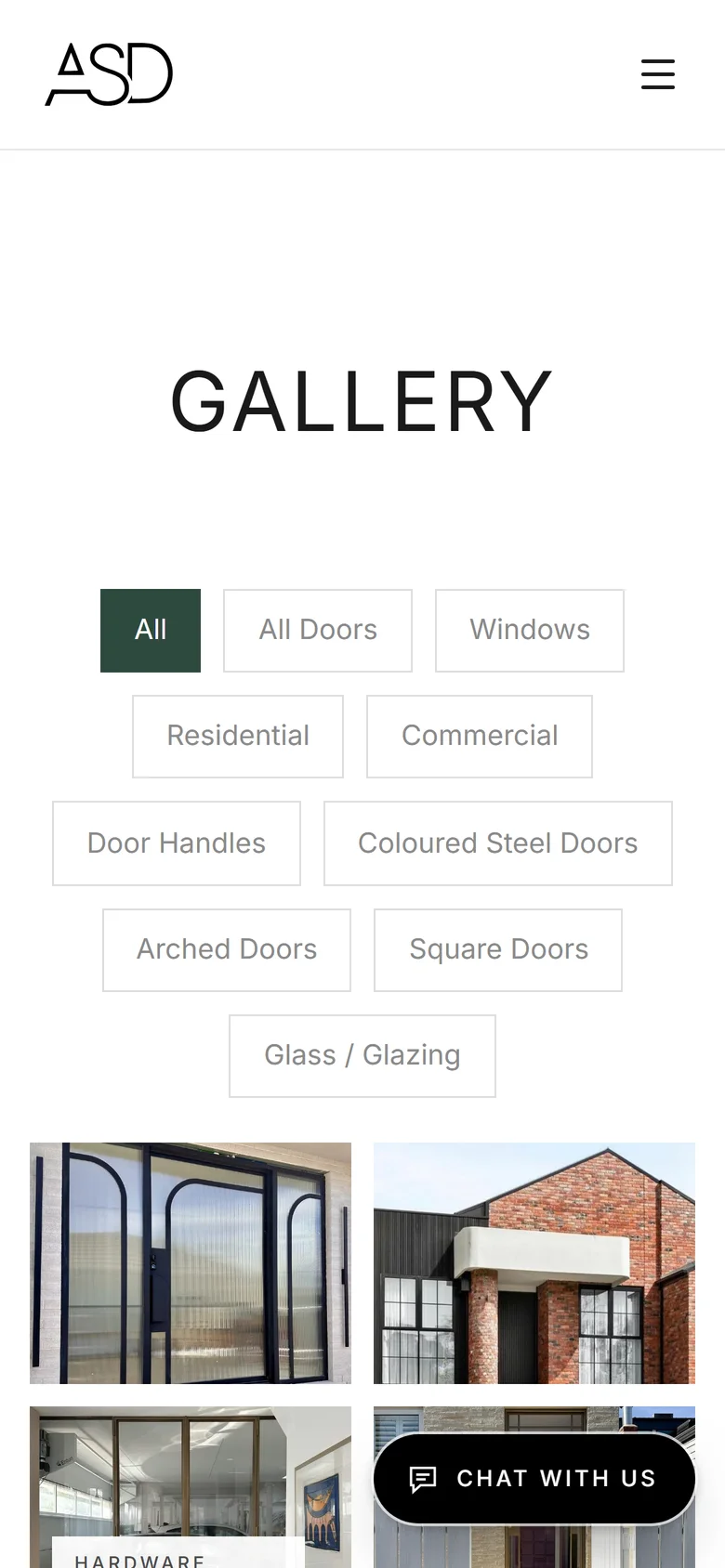
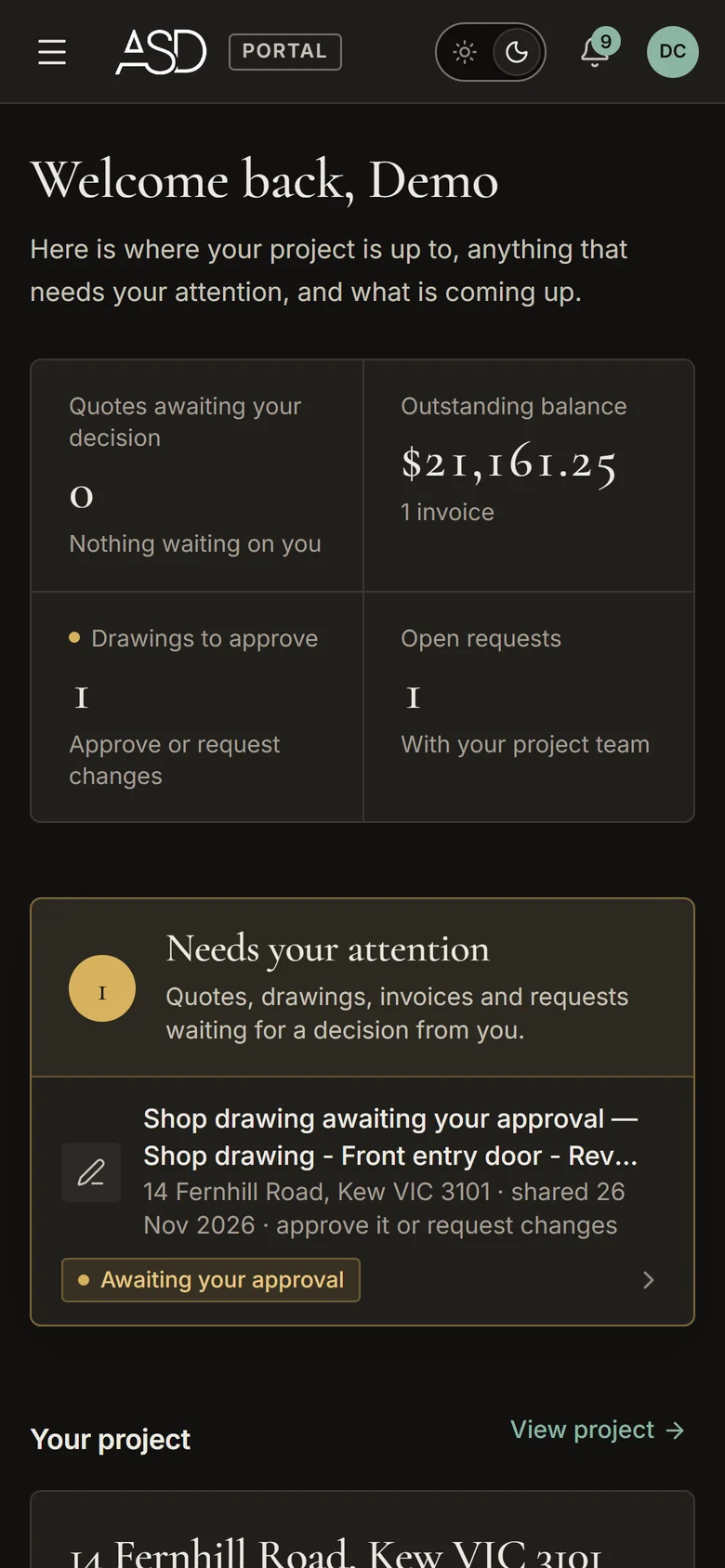
A full rebuild in a design-magazine register: product catalogue with category and application filters, gallery, an interactive process page, resources, FAQs and a blog. Old addresses redirect to their new pages so search visibility carries over.
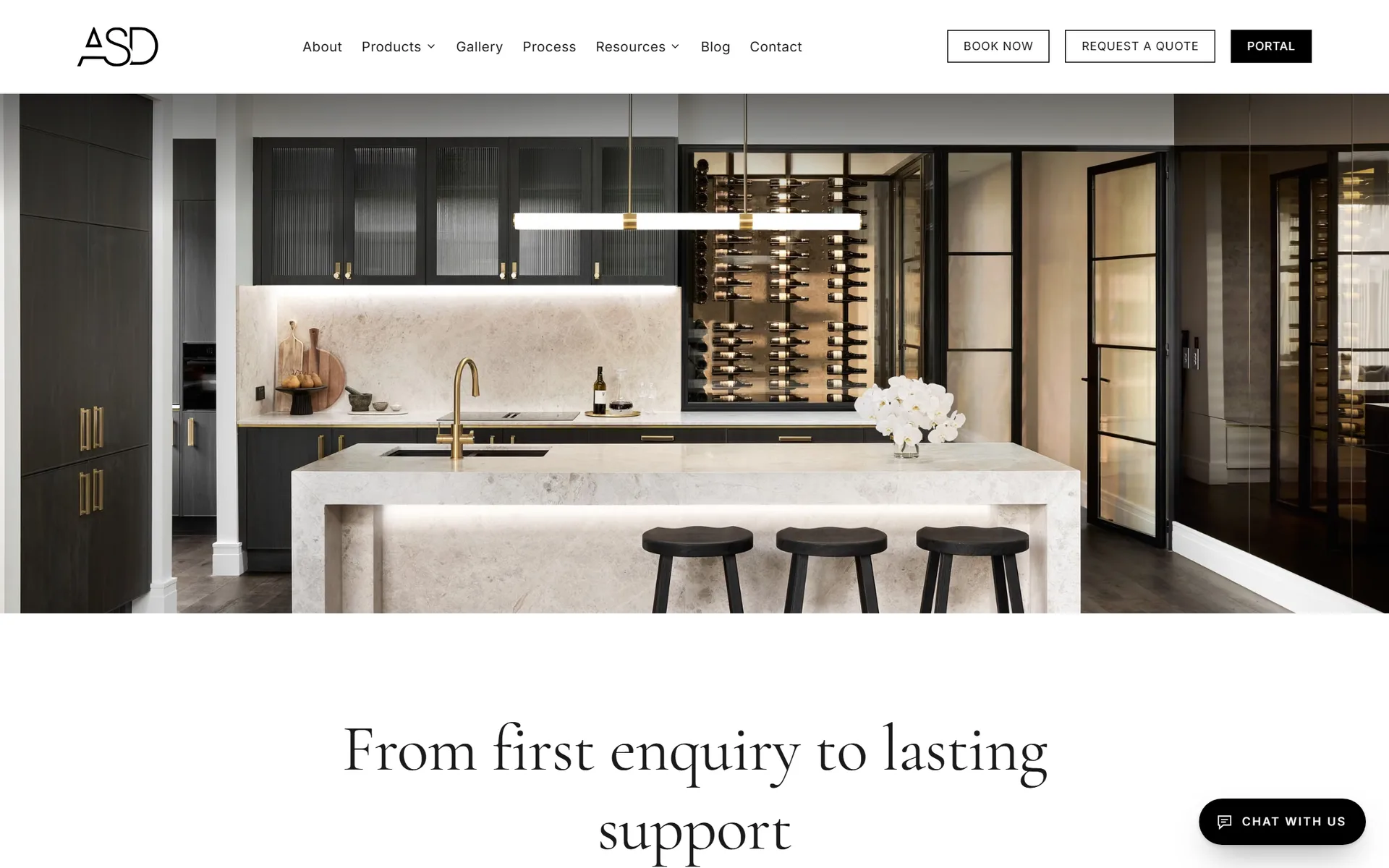
Process — the customer journey, stage by stage
A chat assistant on the public site, grounded in All Steel Designs' own product and process knowledge. It answers, captures the enquiry so nothing is lost, and can check showroom availability and book a consultation inside the conversation.
Articles are drafted from the brand's own knowledge base on a schedule or on request, then wait in an approval queue. Nothing publishes without a person approving it.
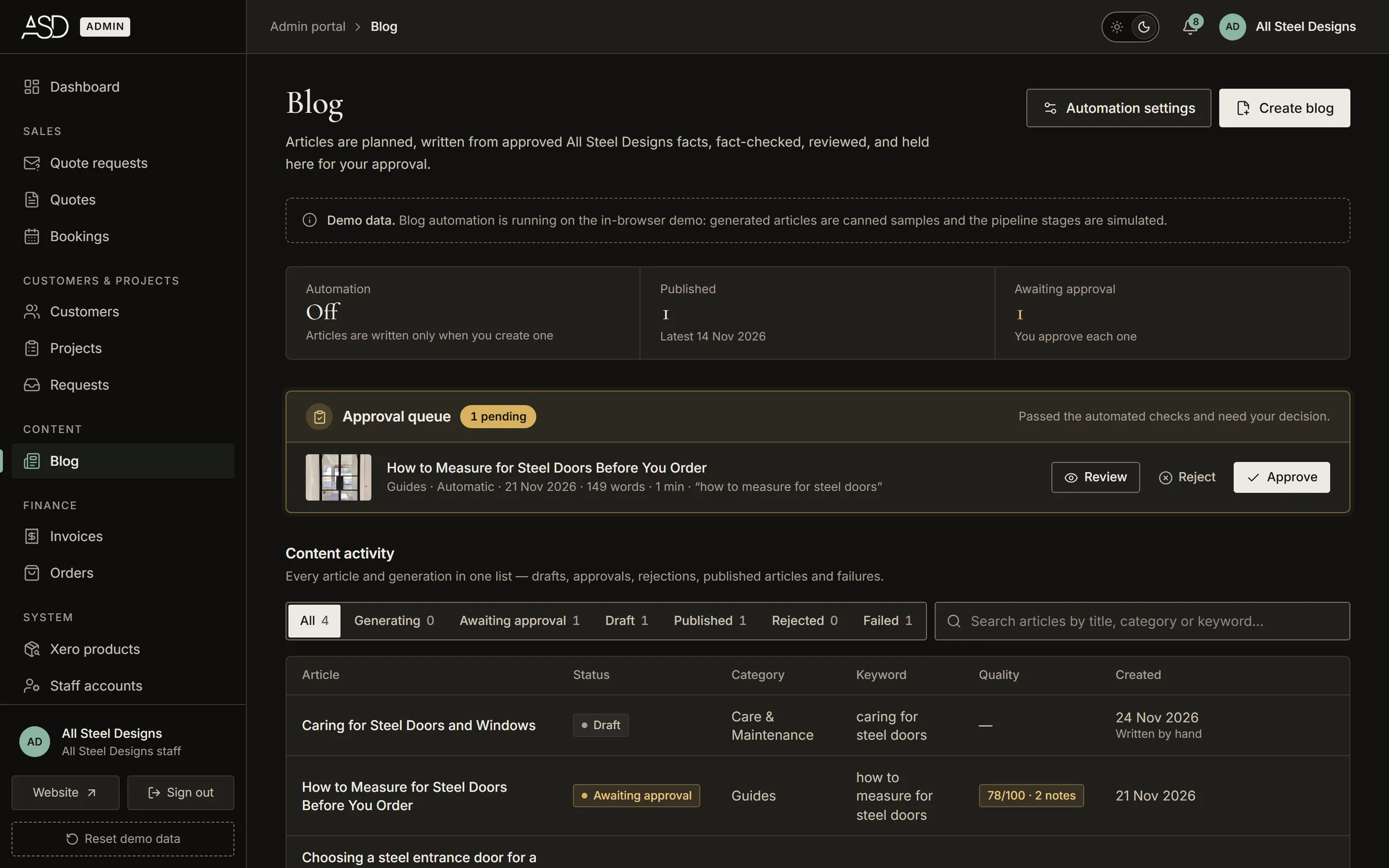
Blog dashboard and approval queue · dark theme
Demonstration environmentAll customer information, project details and financial figures shown are illustrative demo data, not actual client records.
One structured form replaces the email back-and-forth: project type, products, measurements, timeline and file uploads arrive together, land in the admin as a quote request, and notify the team.
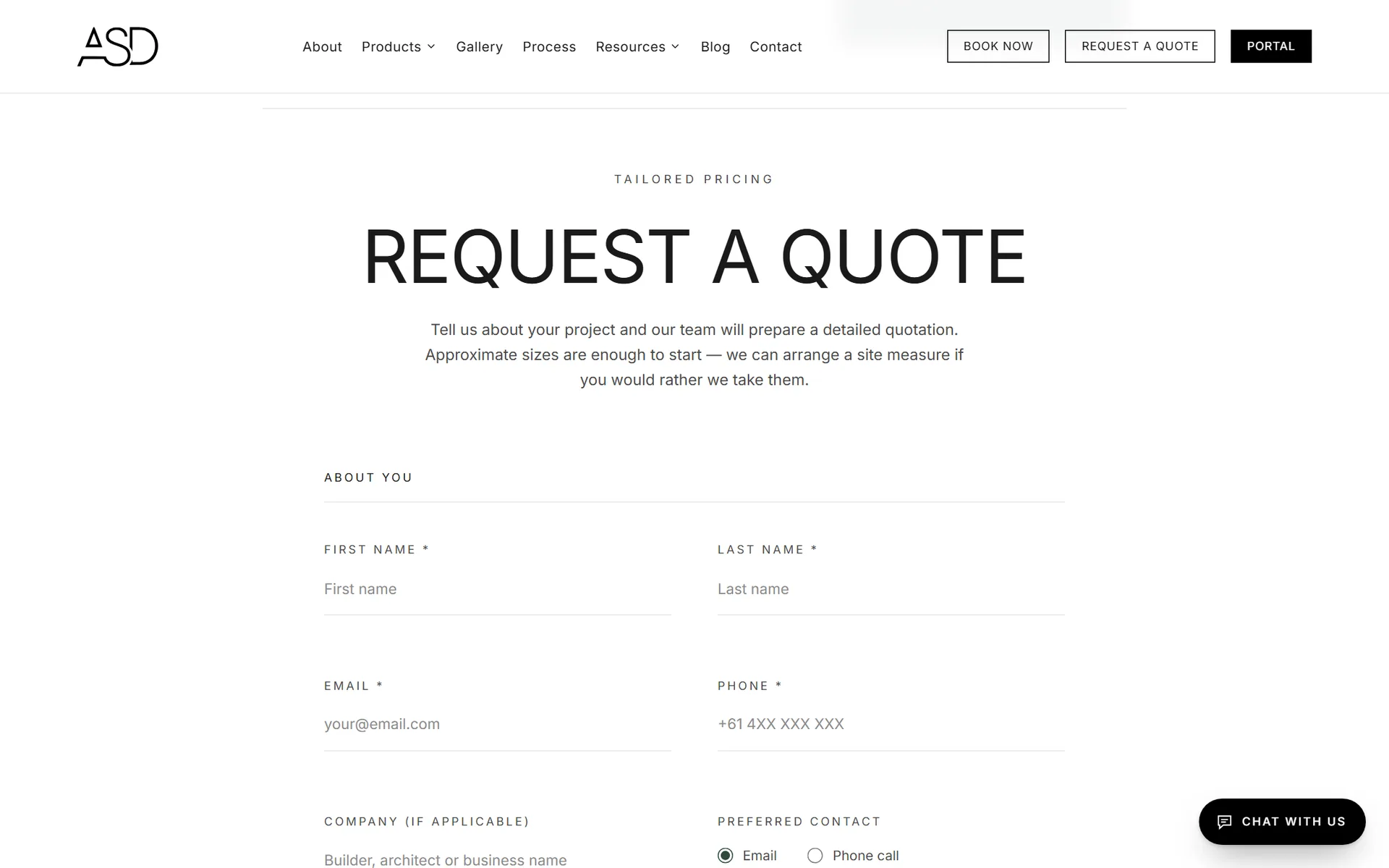
Quote request — structured intake, not an inbox
Consultations booked straight into the right showroom's calendar — Melbourne, Sydney or Adelaide — without a phone call.
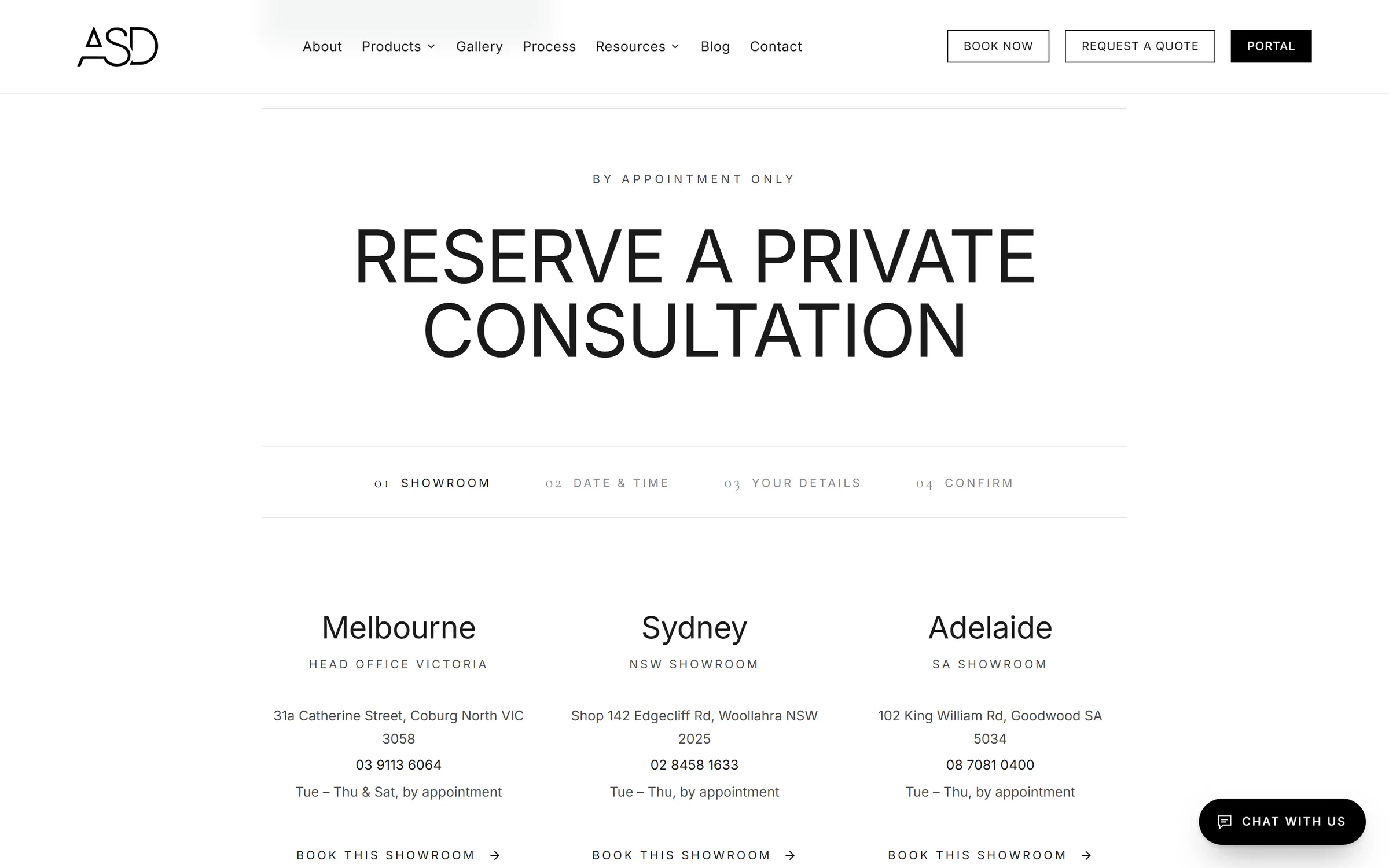
Showroom booking — three cities, one flow
A customer accepts a quote from a link; the invoice is raised in Xero automatically and appears in their portal under Xero's own number. No re-entry, and no risky rebuild of an accounting system that works.
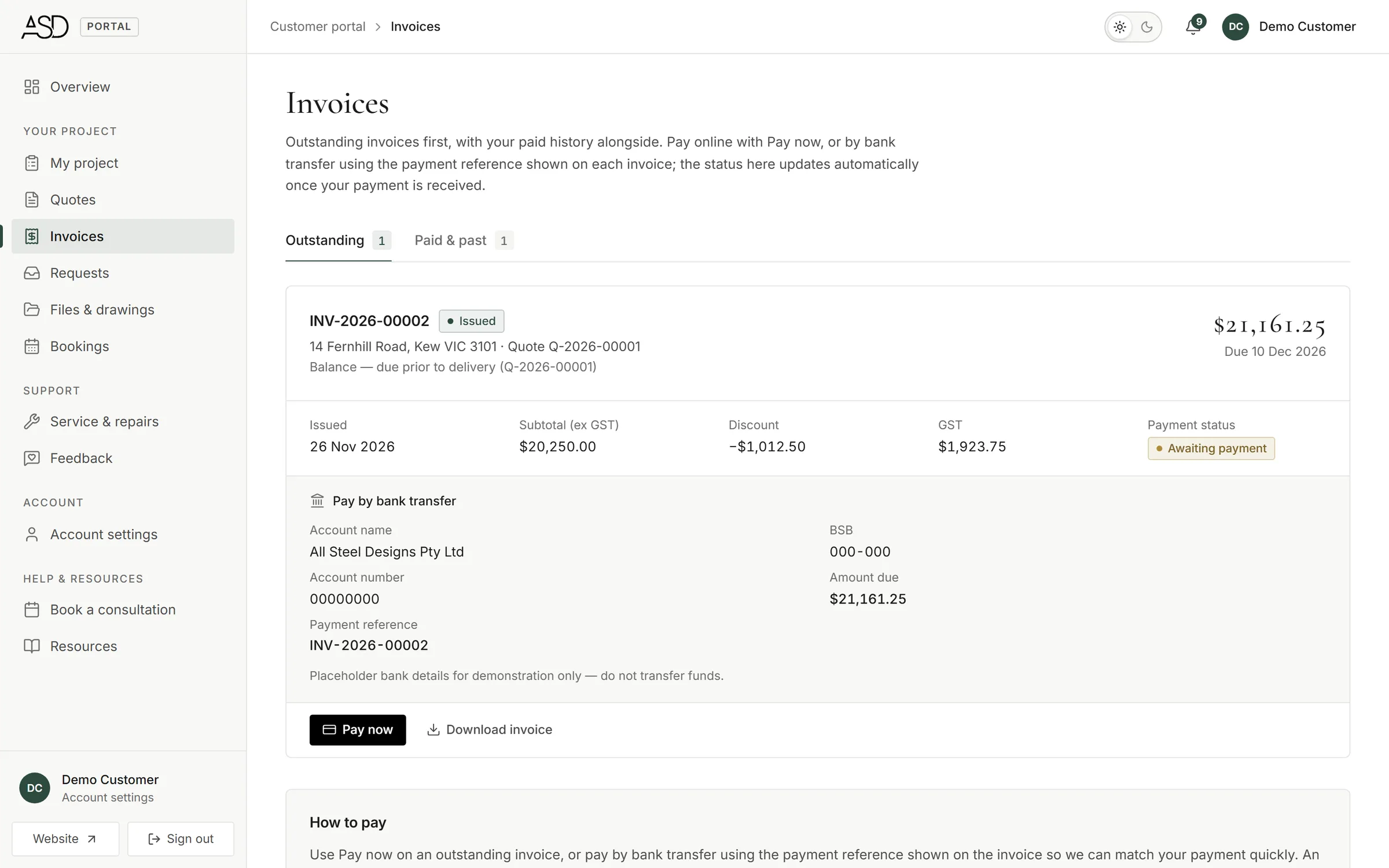
Invoices in the customer portal · light theme
Demonstration environmentAll customer information, project details and financial figures shown are illustrative demo data, not actual client records.
Doors, windows, glazing, hardware and design services as a real catalogue — each product with its own page, plus an Available Now range that can be priced and requested directly.
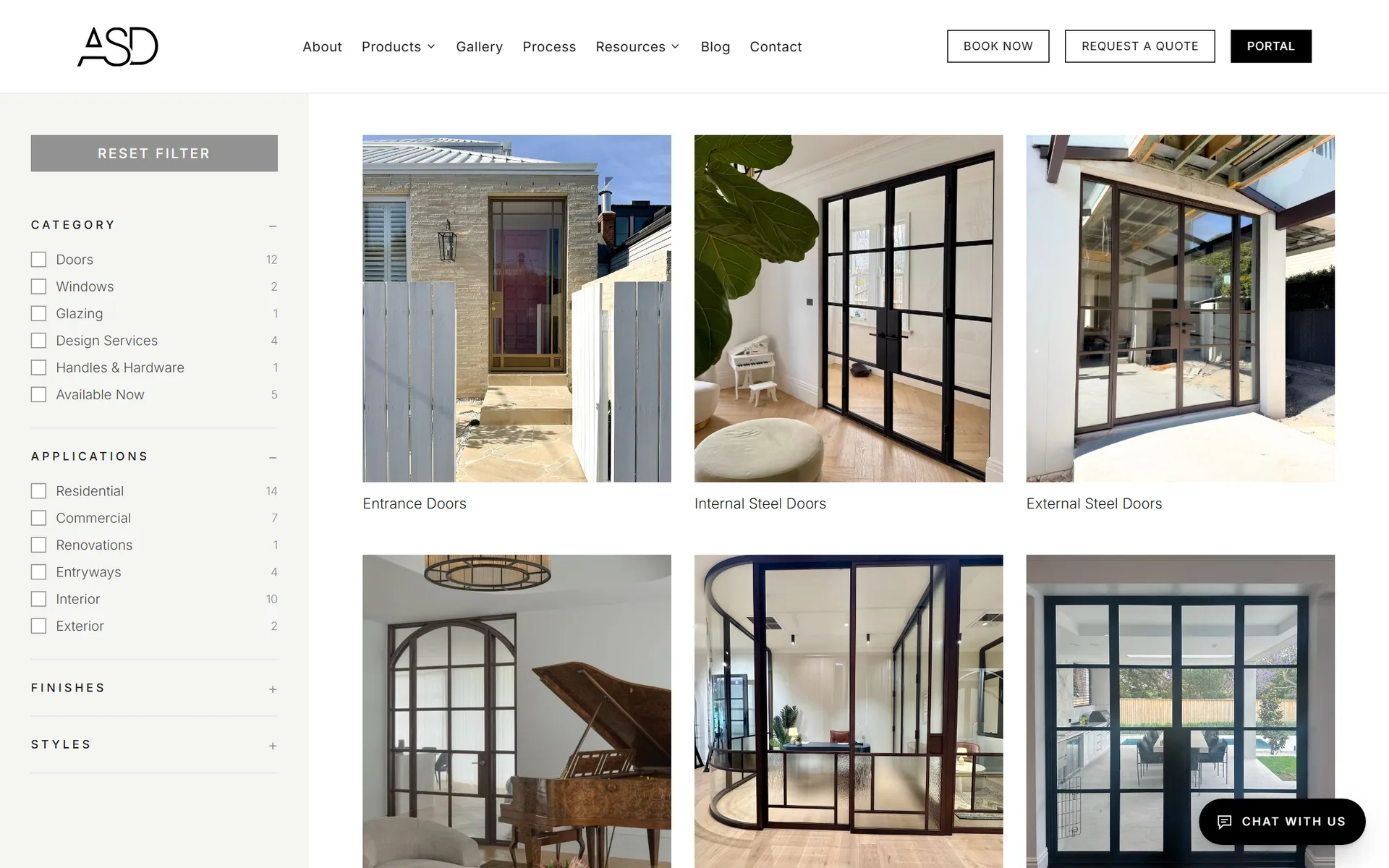
Product catalogue — filter by category and application
Technology & integrations
What it connects to
The platform connects to the systems the business already runs on, and keeps a boundary around each one.

Xero
- What it does
- Accounting stays in Xero. The platform raises invoices there instead of rebuilding the books.
- How it connects
- An accepted quote becomes a Xero invoice automatically, and its paid status is read back into the customer's portal.
- Why it matters
- No re-keying between quote and invoice, and the accountant's system stays exactly where it was.

Cal.com
- What it does
- Each showroom's calendar is the one source of availability for consultations.
- How it connects
- Bookings from the website and from the concierge go straight into the Melbourne, Sydney or Adelaide calendar, then appear in the platform.
- Why it matters
- Consultations booked in the right city without a phone call.

Retell AI
- What it does
- Runs the AI concierge on the public site, limited to the knowledge All Steel Designs has approved.
- How it connects
- Captures each enquiry into the staff admin and can check showroom availability and book inside the conversation.
- Why it matters
- Every conversation that becomes an enquiry is kept, and the team is handed what it can't answer.
Transactional email
- What it does
- Quote, invoice, booking and account emails are sent by the platform itself, through Resend.
- How it connects
- One outbox sends every email the workflow triggers, records delivery and stops sending to an address that bounces.
- Why it matters
- Customers hear about each step without anyone writing the email.

Claude by Anthropic
- What it does
- Drafts blog articles from All Steel Designs' own brand and product knowledge.
- How it connects
- Drafts arrive in the staff admin's approval queue, fact-checked, on a schedule or on request.
- Why it matters
- A steady publishing rhythm, with every article approved by a person before it goes live.
Monitoring
- What it does
- Health checks and alerts watch every scheduled job and sync.
- How it connects
- Each worker reports a heartbeat; when one stops or a sync stalls, one alert goes to LB Labs.
- Why it matters
- A stalled sync is noticed before a customer notices it.
The outcome
What changes
Customers
See the job — quotes, invoices, documents, bookings — without ringing the office.
Staff
One admin instead of relaying the same project information between systems by email.
Management
A stack of subscriptions is becoming one governed system, with the customer experience finally connected to the operation behind it.
More client work

Your operation
The systems will be different. The pattern usually isn't.
If your team is still carrying information between tools by hand — and your customers are still calling to ask what those tools already know — an audit will map where the highest-value system should start.