

FinSecure is an Australian mortgage manager specialising in lending for self-employed borrowers. LB Labs designed and built its new website on the lender's rebrand — lending solutions, branch pages, and dedicated paths for brokers and franchise partners — and launched it in November 2026, then built the systems behind it: an admin portal for FinSecure's team, with an AI article writer whose drafts wait for approval, and a Broker Portal where referral brokers sign in to FinSecure's resource library. Both portals went live in November 2026.


The client
FinSecure
FinSecure is a mortgage manager with its own lending products, built around borrowers the major banks often turn away: the self-employed, and people whose income doesn't fit a standard checklist. It lends through its own branches and through a network of brokers and referral partners.
So the website has several audiences at once. A borrower comparing a home loan, a broker deciding where to send a client, someone weighing up a franchise, and a customer looking for their local branch each need a different page — and, in a regulated category, every figure on every one of them has to be right.
- Sector
- Financial services · Lending
- Team
- Branches across New South Wales, Victoria and Queensland
- Service
- Custom Dashboards & Automations
- Status
- Website, admin portal and Broker Portal live
- Location
- New South Wales · Victoria · Queensland
- Scope
- Admin portal · Broker Portal · AI article writer · Enquiry routing · Website

The challenge
FinSecure had a new brand and a growing branch network — and a website that reflected neither.
The site had to do several jobs at once: explain specialist lending to self-employed borrowers, give brokers and referral partners a reason to send clients, recruit franchise partners, and give every branch a local presence — in a category where every claim must trace back to the lender's own documents.
The brief
Rebuild FinSecure's public presence on its new brand — one site that serves borrowers, brokers and branches properly — and build the systems behind it: a portal where FinSecure's team runs the content and the broker network, and one where referral brokers get what they need.
Demonstration environmentAll customer information, project details and financial figures shown are illustrative demo data, not actual client records.
Our approach
How it works
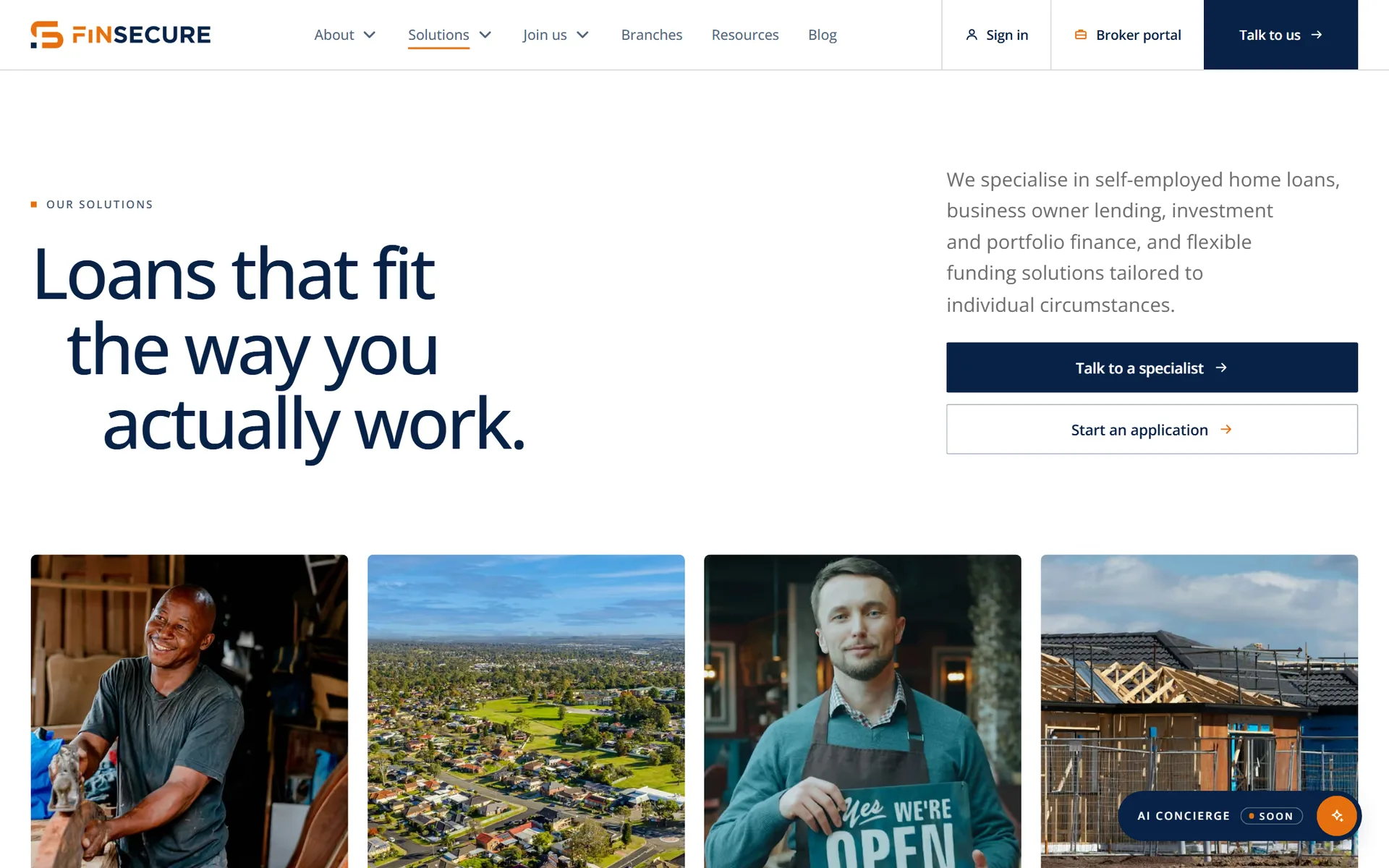
The homepage introduces and routes; the detail lives on dedicated pages. Each lending solution has its own page with its lending specifications laid out to be compared, each branch has a landing page built from that branch's own team and reviews, and brokers and franchise prospects get pages written for them rather than a paragraph on someone else's.
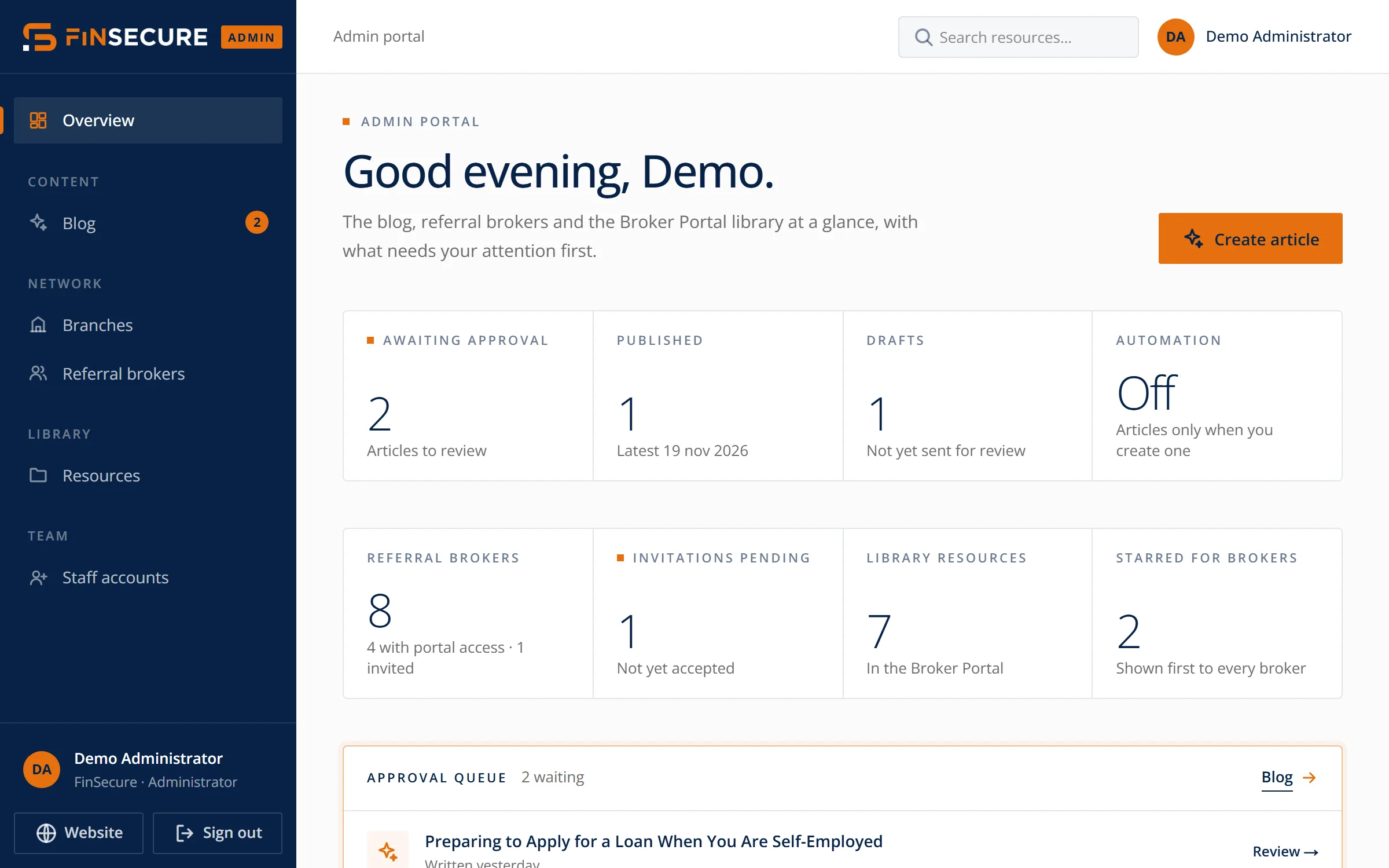
Underneath, the site is the first layer of a platform. Every enquiry is typed, recorded and routed to the right inbox. Behind it sit two portals on one sign-in, each role checked on the server: FinSecure's staff run the blog, the referral broker network and the resource library from an admin portal, and referral brokers sign in to a Broker Portal of their own to find and download FinSecure's documents.
Articles are drafted by an AI writer briefed only with FinSecure's own published material. Automated checks block invented figures, rate or approval promises and links off the site, and nothing publishes until a member of staff approves it.
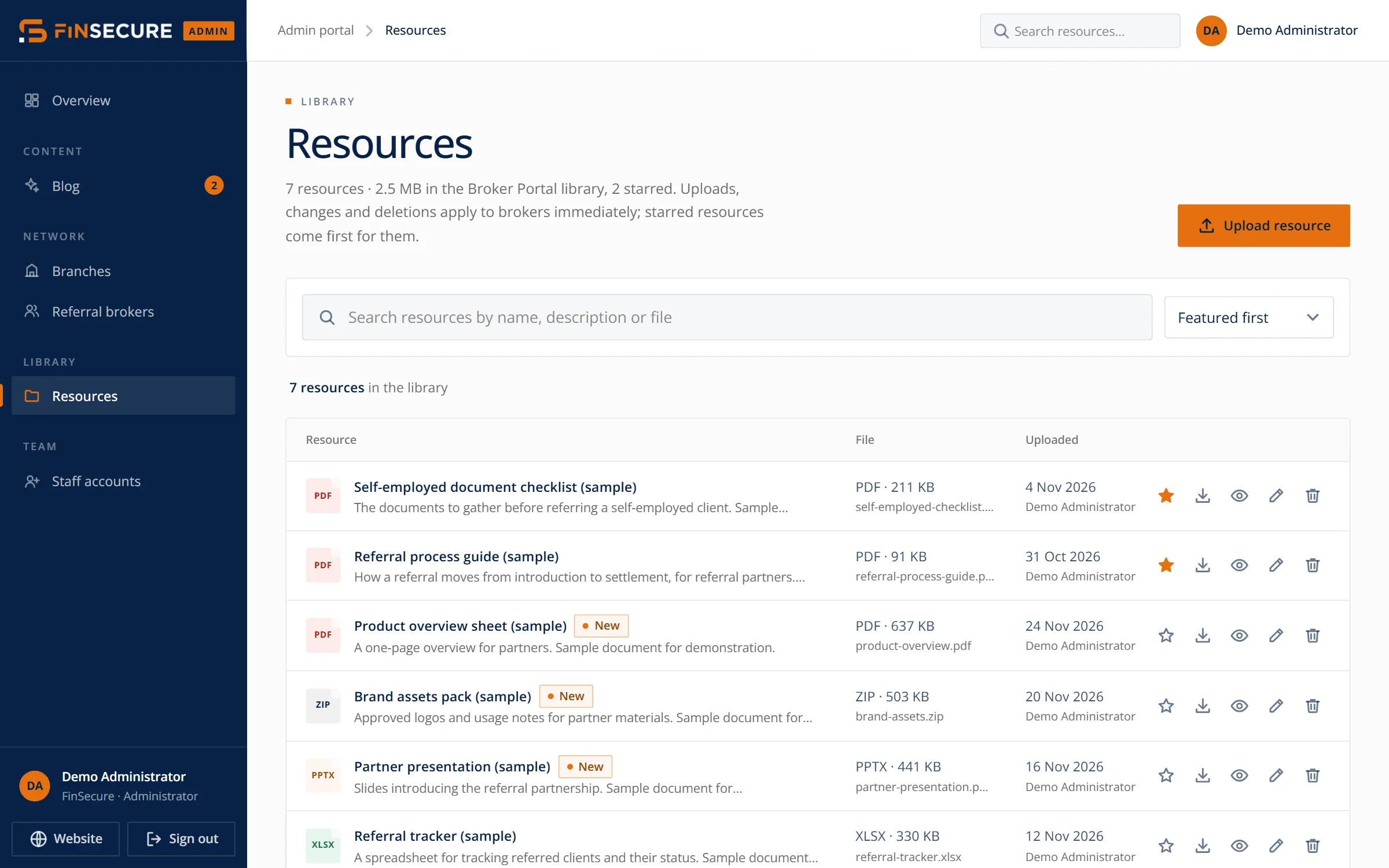
Resource management in the admin portal
Demonstration environmentAll customer information, project details and financial figures shown are illustrative demo data, not actual client records.
The solution
What we built
FinSecure's staff system. Administrators and editors sign in to one overview of what needs attention — articles awaiting approval, broker invitations, the library — and manage the documents brokers see: upload, star, replace and delete. Staff accounts are by invitation, with each role checked on the server.
Resource management in the admin portal
Demonstration environmentAll customer information, project details and financial figures shown are illustrative demo data, not actual client records.
Every referral broker as a record — contact details and credit licence, status, and their Broker Portal access. Staff invite a broker by email (the broker chooses their own password), resend, disable or restore access, suspend, and see each broker's downloads and activity.
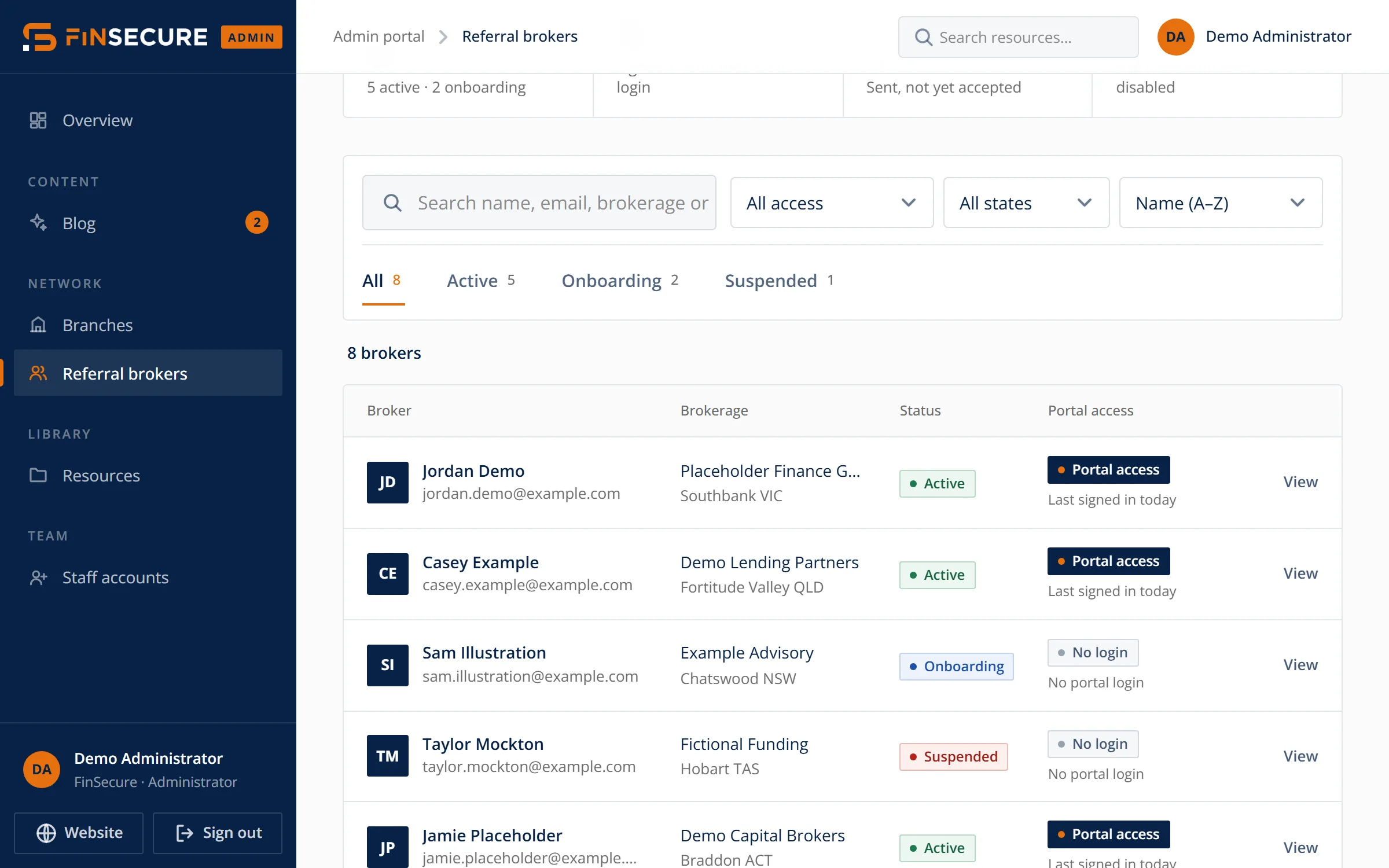
Referral brokers in the admin portal
Demonstration environmentAll customer information, project details and financial figures shown are illustrative demo data, not actual client records.
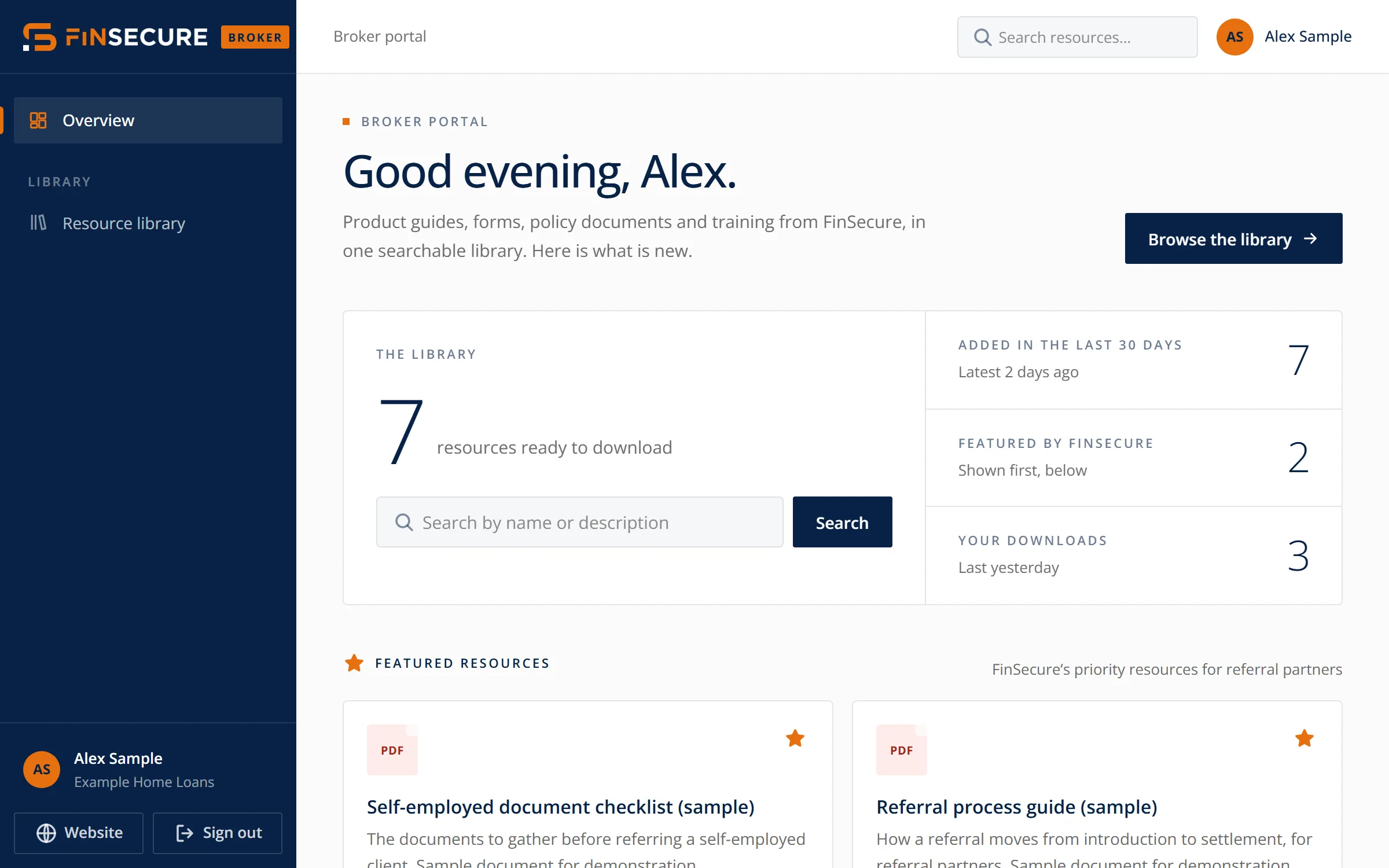
The client-facing side of the platform. Referral brokers sign in to a private library of FinSecure's guides, forms and documents: search, sort, the resources FinSecure features first, and downloads served from private storage. Access is by invitation from FinSecure.
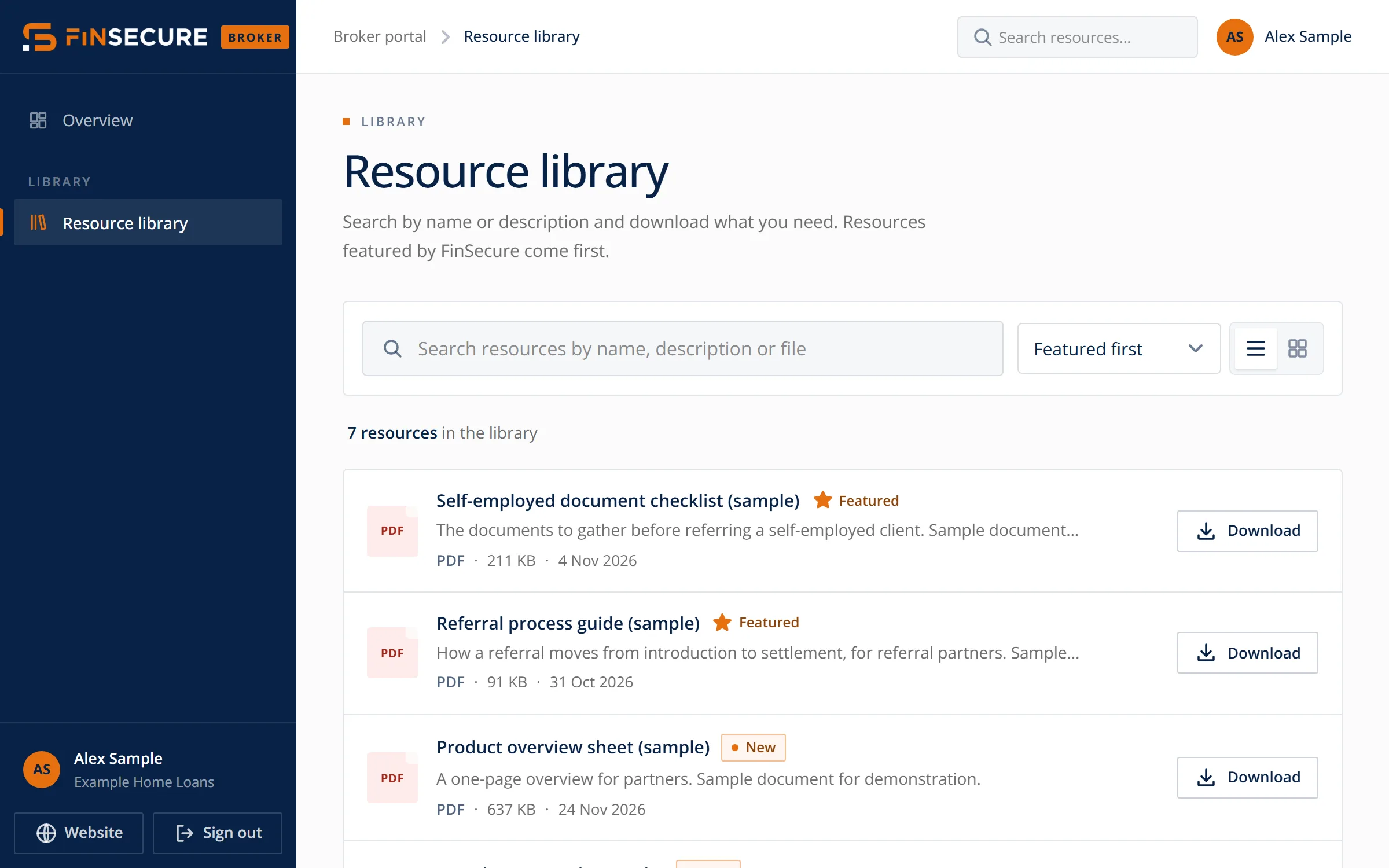
The Broker Portal's resource library
Demonstration environmentAll customer information, project details and financial figures shown are illustrative demo data, not actual client records.
A custom design and build on FinSecure's new brand guidelines — typography, colour and logo usage encoded once and applied across every page, with motion used to give a financial brand some warmth without getting in the way.
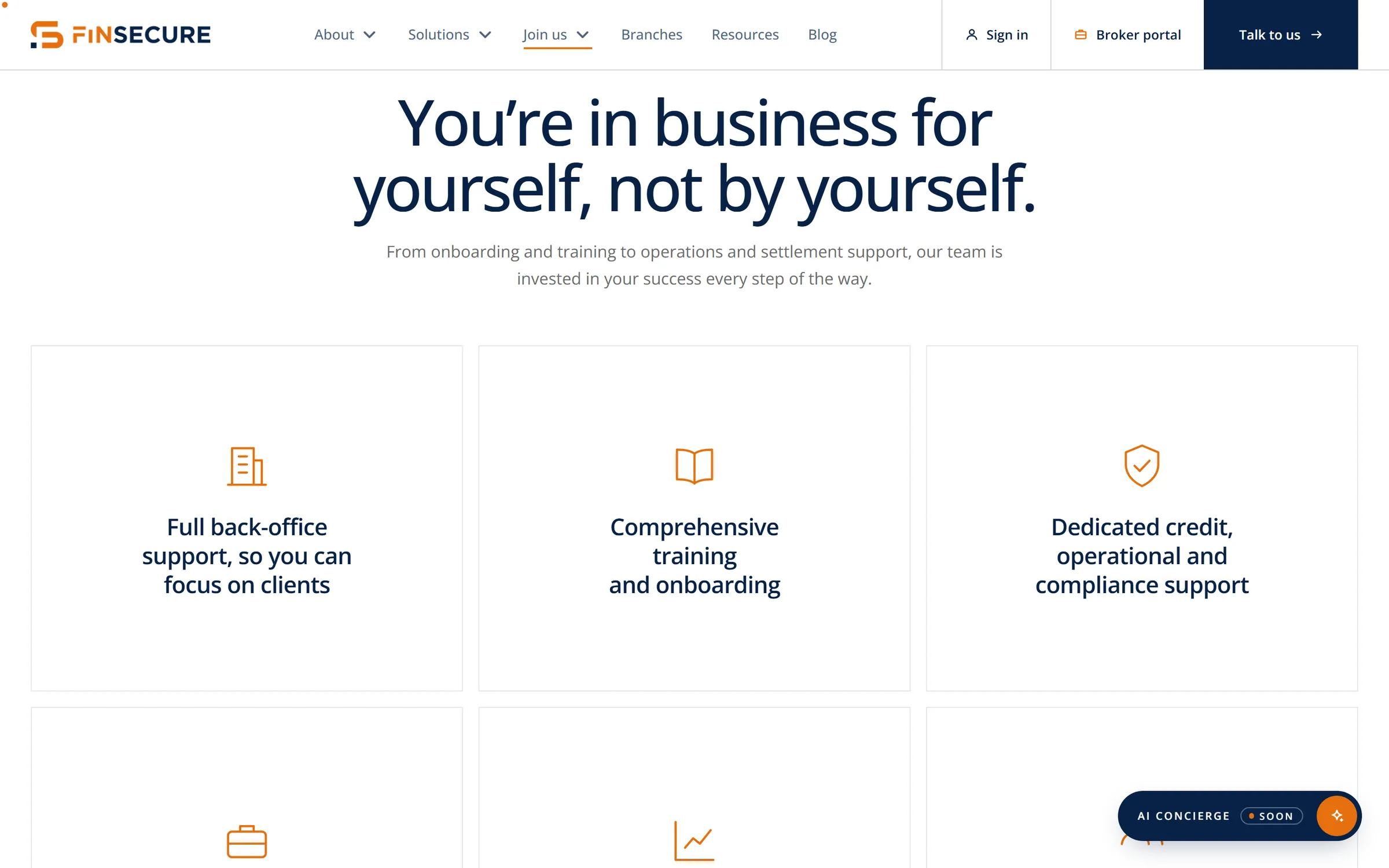
Brand system — type, colour and motion on every page
Staff brief an article — or let AI suggest any field — and an AI writer drafts it from FinSecure's own published material. Automated checks score it and block invented figures, rate or approval promises and links off the site, then it waits in the approval queue. Nothing publishes without a person approving it.
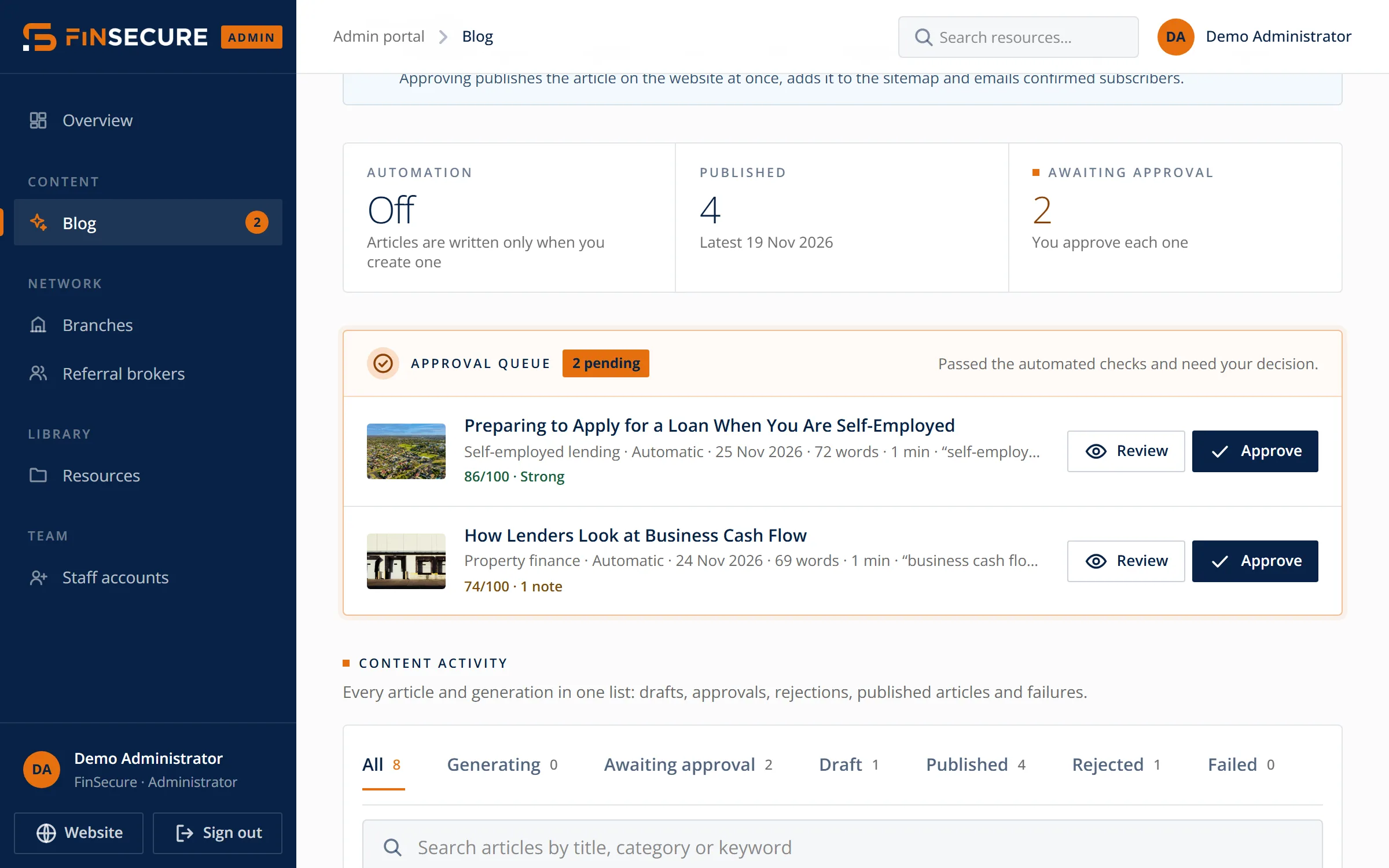
The approval queue in the admin portal
Demonstration environmentAll customer information, project details and financial figures shown are illustrative demo data, not actual client records.
One enquiry form that adapts to the type of enquiry. Each submission is recorded first, then routed to the right inbox, with a notification to the team and a confirmation to the sender.
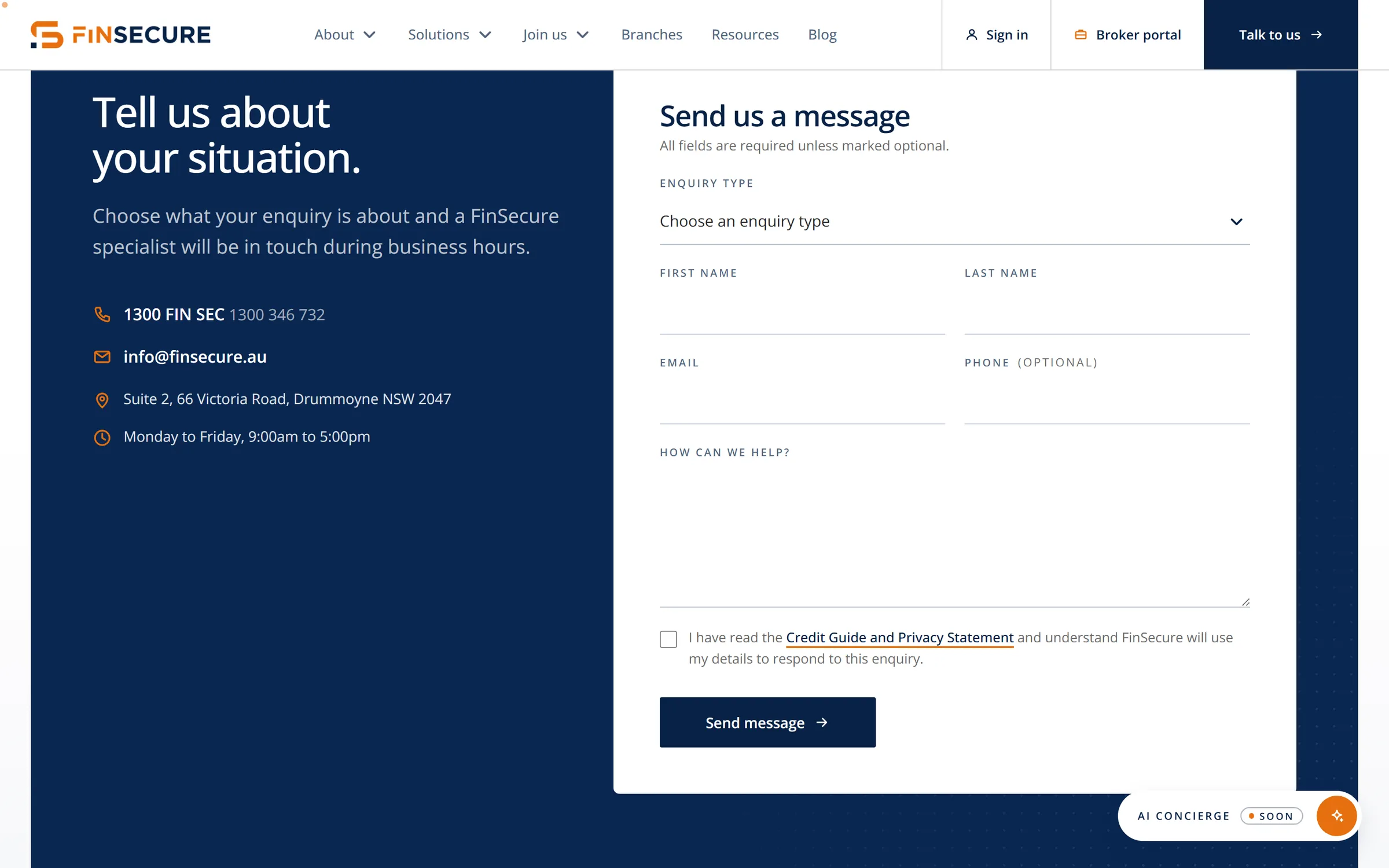
The enquiry form — one form, typed and routed
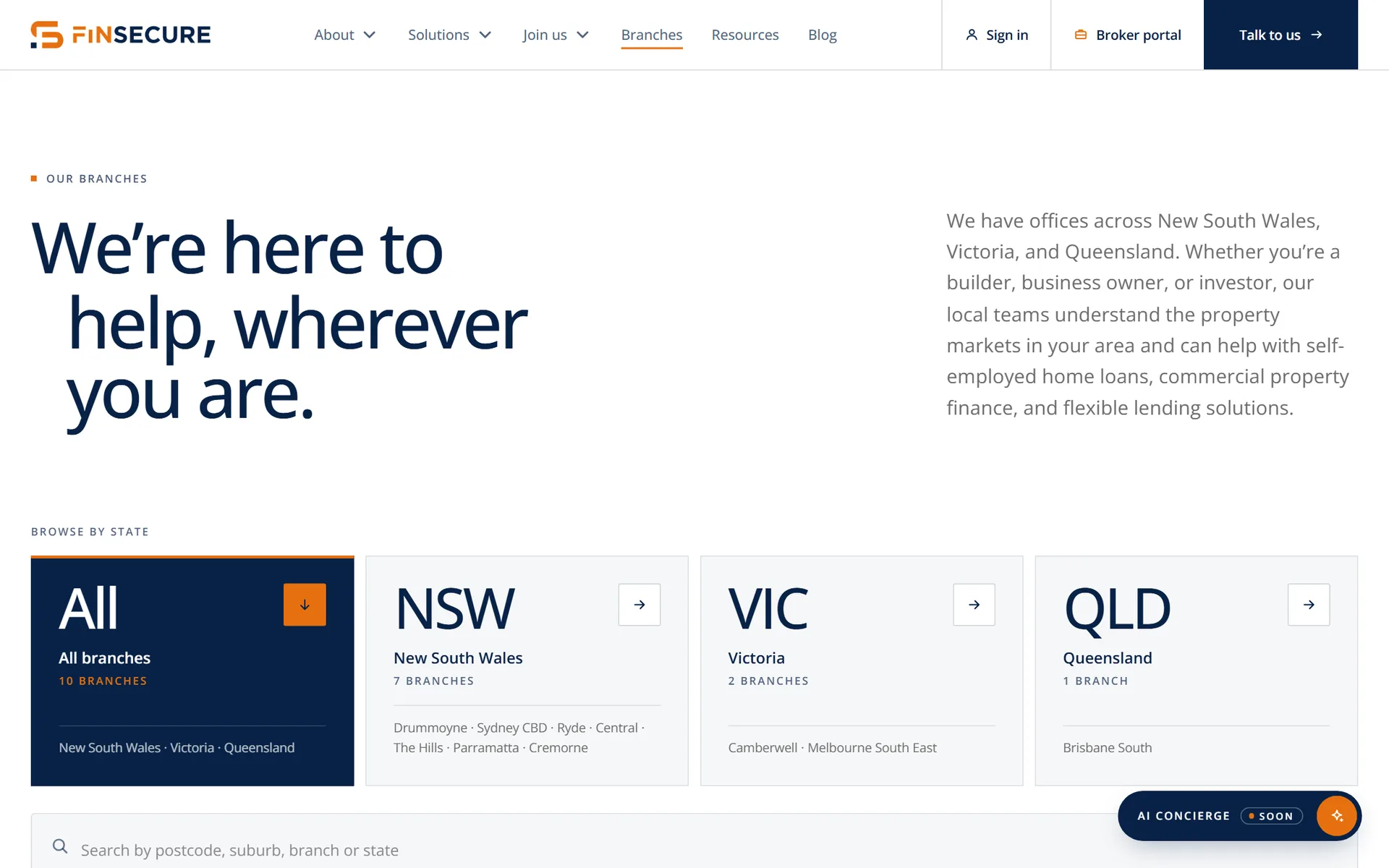
A searchable branch directory and a page per branch, each assembled from that branch's own manager, team, reviews and stories — a local presence rather than an address list.
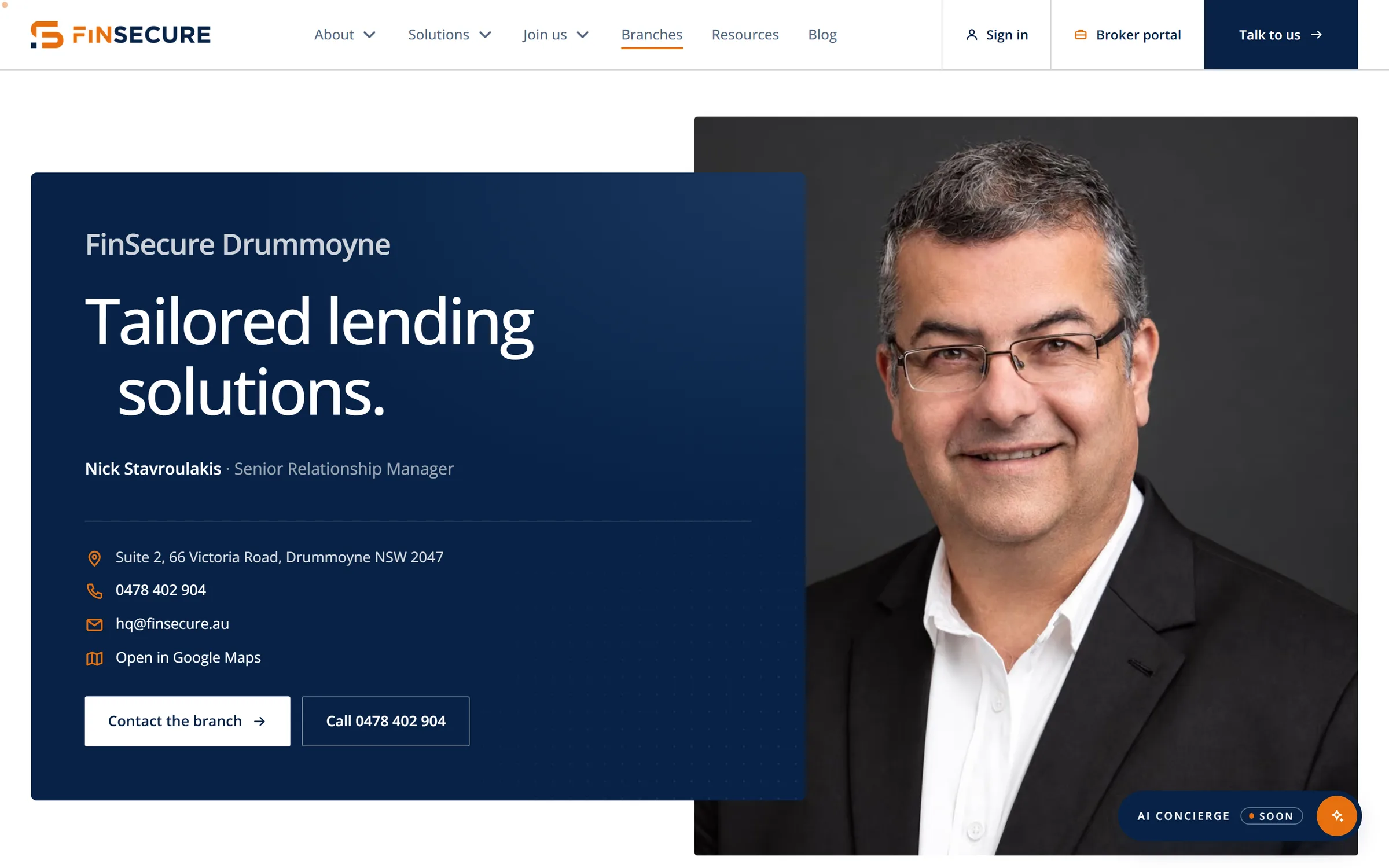
A branch landing page
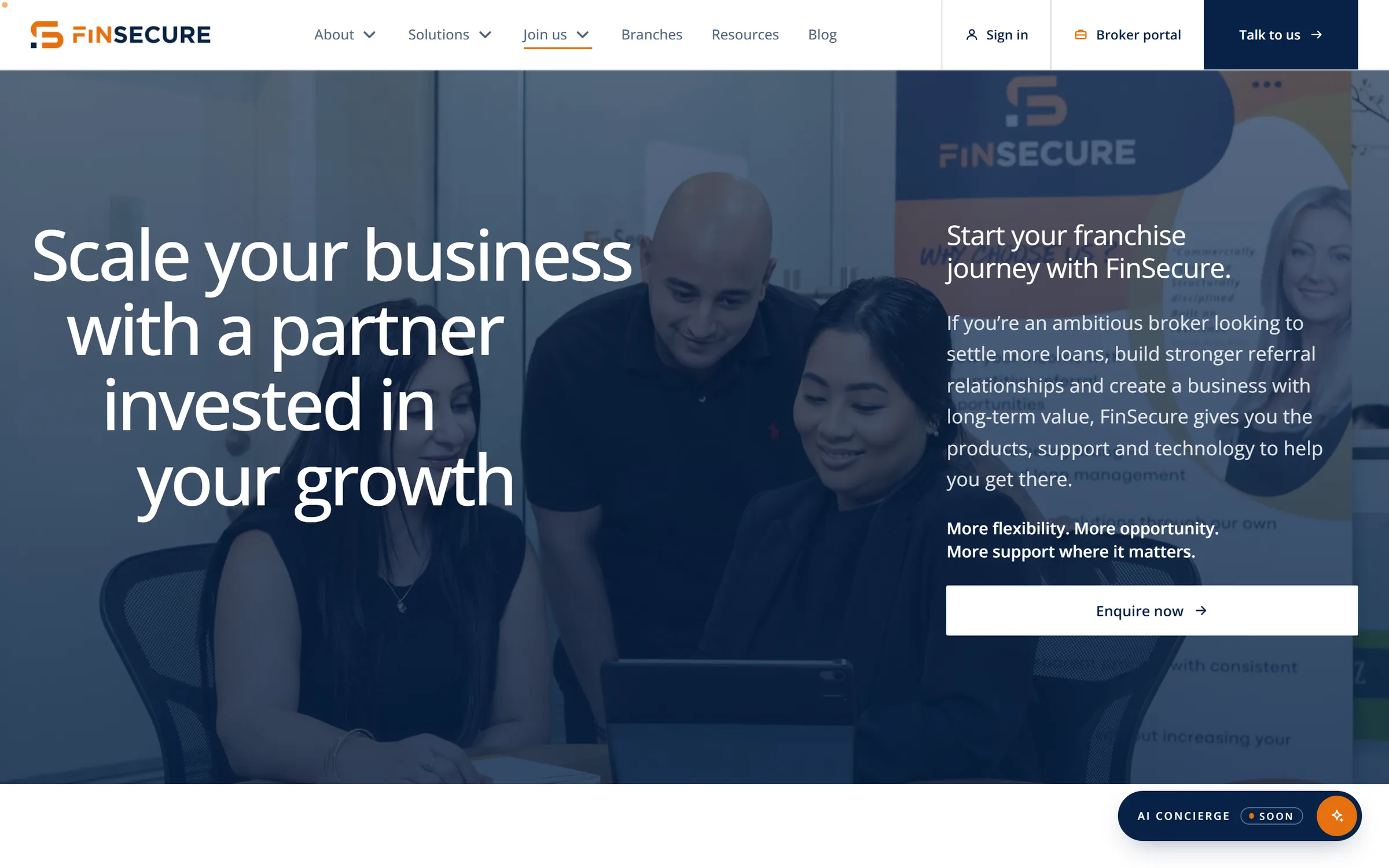
Dedicated pages for referral partners and for prospective franchise partners, written for those readers and built to be landed on directly.
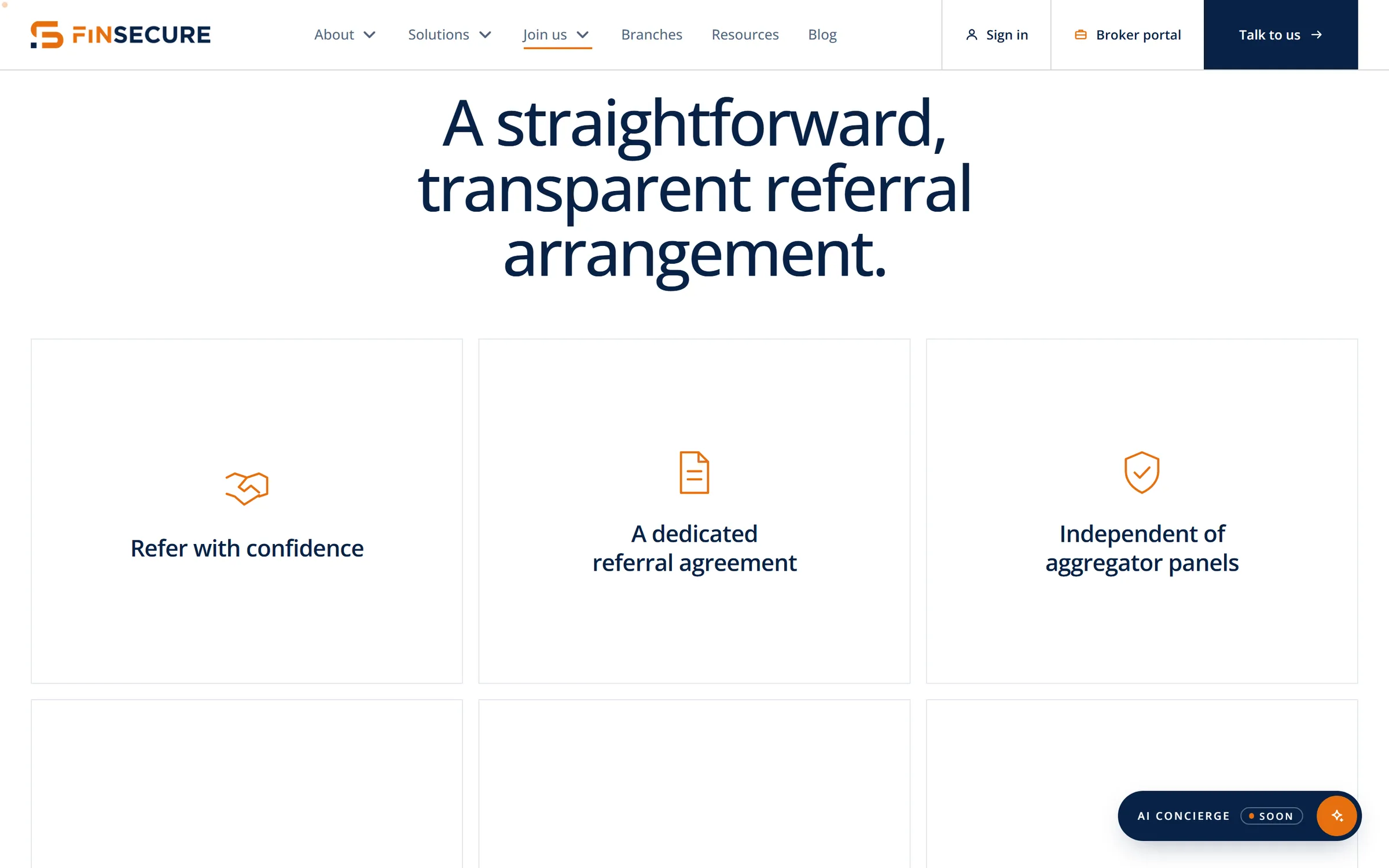
Referral partners — written for brokers
A blog, a searchable resources hub, and the lender's legal and target-market documents published at stable addresses, reproduced exactly as supplied.
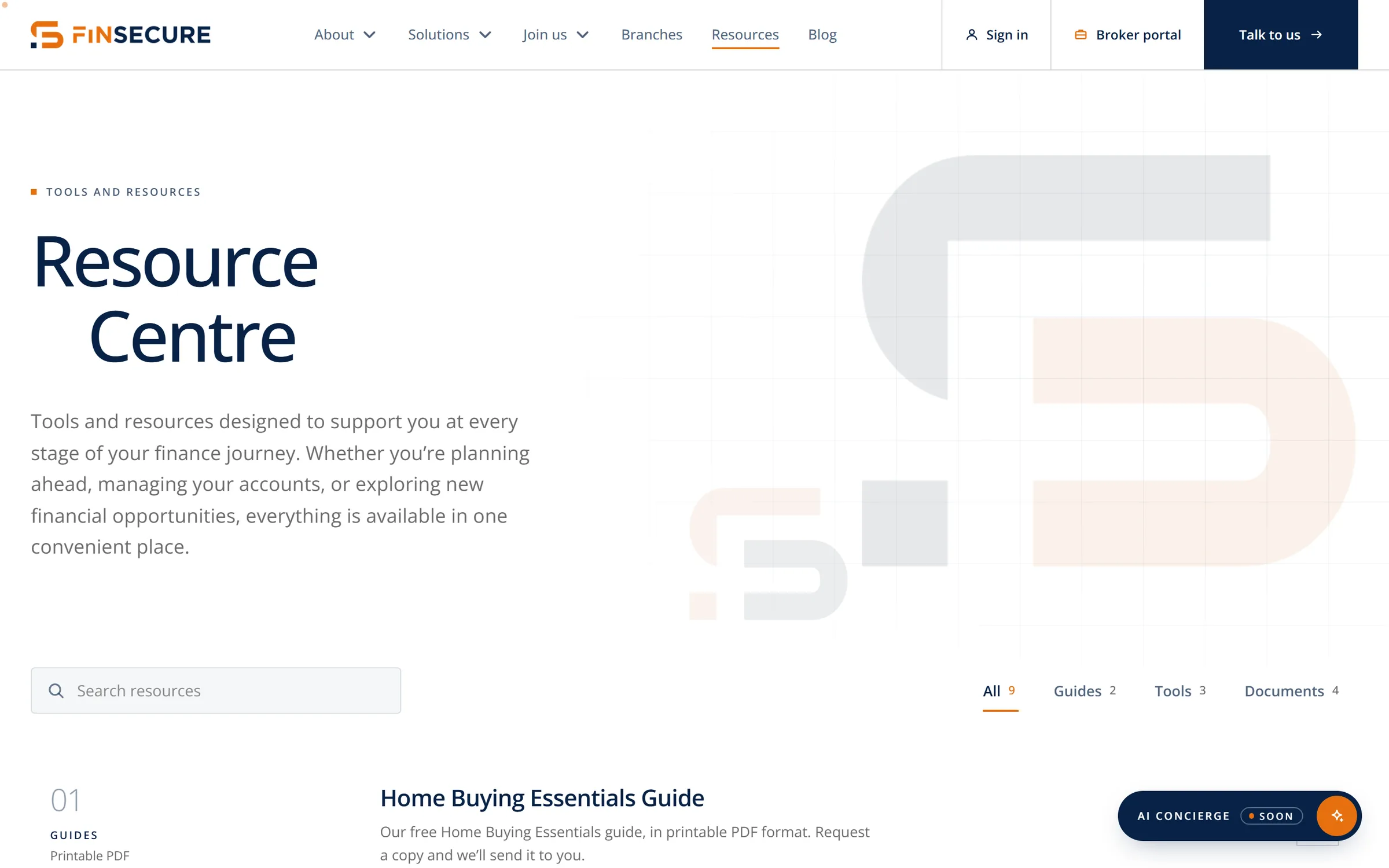
Resource Centre — searchable guides, tools and documents
The previous site's addresses redirect permanently to their new pages in a single hop, with metadata, a sitemap and analytics in place from launch.
Phone layouts designed in their own right — a condensed footer, vertical product sections, and background video held back where it would stutter.

Designed for the phone
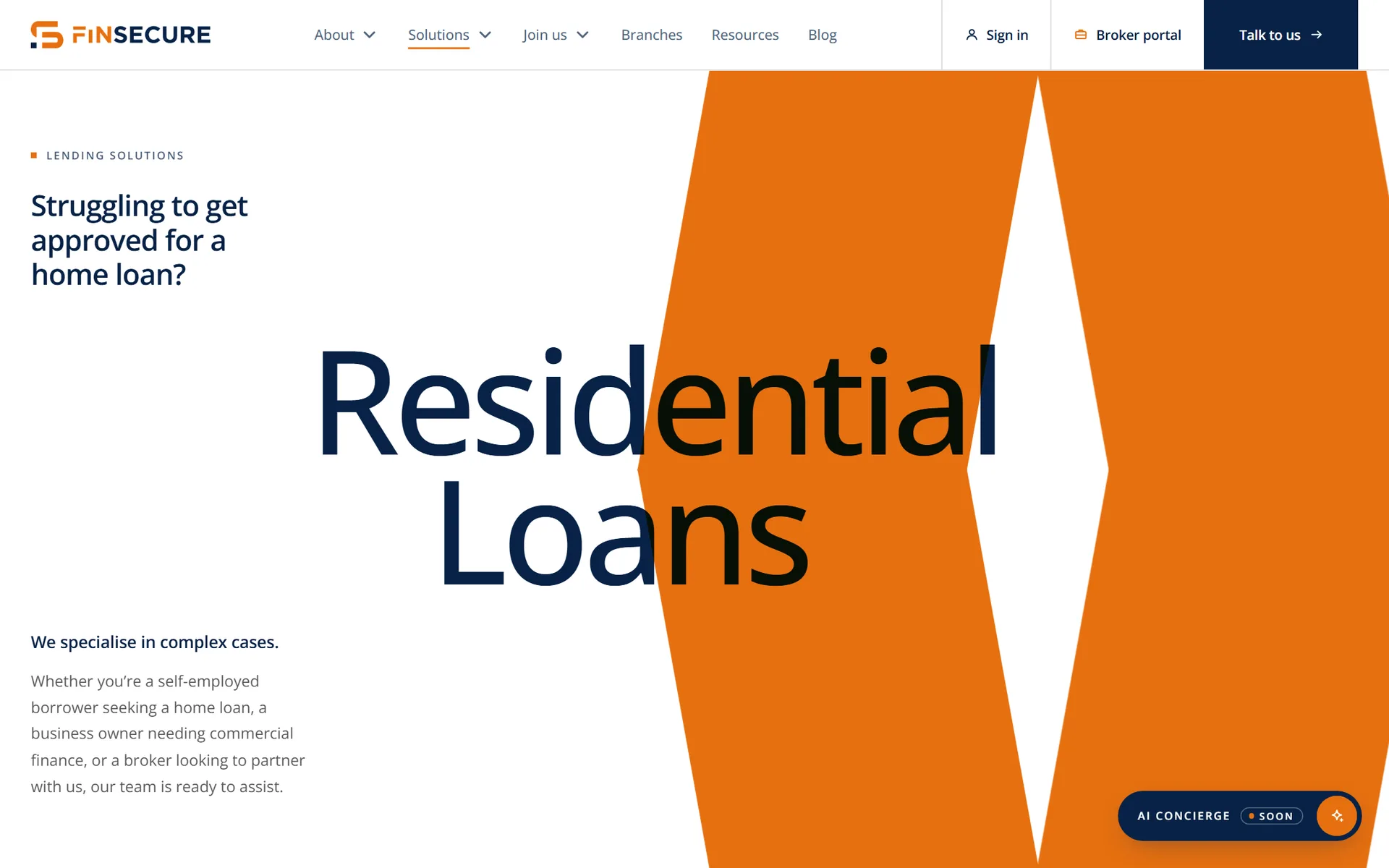
Eight lending solutions, each on one shared template: who it suits, how income is verified, and the lending specifications set out so they can be read and compared quickly.
A lending solution page
Technology & integrations
What it connects to
What the website connects to, so an enquiry reaches the right person and a customer reaches the right place.
Transactional email
- What it does
- Team notifications and customer confirmations for every enquiry, sent from FinSecure's own domain through Resend.
- How it connects
- Each enquiry is recorded first, then the routing sends it to the inbox its type belongs to and confirms receipt to the sender.
- Why it matters
- Enquiries arrive typed and routed, and every sender knows their message landed.
Customer platforms
- What it does
- Sign-in on the website is a gateway to the platforms FinSecure's customers already use.
- How it connects
- Links customers through to those platforms; no credentials are handled or stored on the website.
- Why it matters
- One familiar way in for customers, without a second login system to secure.
Google tag
- What it does
- Measurement on the production site from launch, alongside search foundations.
- How it connects
- Records how visitors move through the site, with the previous site's addresses redirected so search history carries over.
- Why it matters
- FinSecure can read how the new site performs instead of guessing.
The outcome
What changes
Borrowers
Can find the lending solution that fits how they earn, and the branch nearest them, without decoding a bank-style product list.
Brokers & partners
Land on a page written for them, then sign in to a Broker Portal of FinSecure's documents instead of asking for them by email.
FinSecure's team
Run the blog, the broker network and the resource library from one admin portal, with every article approved before it goes public.
More client work

Your operation
A website should be the first layer of the system, not a brochure beside it.
If your site looks dated, serves several audiences badly, or isn't connected to how enquiries are actually handled, an audit will map what to rebuild first — and what should sit behind it.